
How to Repair Damaged Photos: A Guide to Every Type of Damage
How to repair damaged photos of every kind: scratches, tears, cracks, water and mold damage, fading and stains, with first aid for prints and AI repair.
By Ayoub Farid · · 3 min read
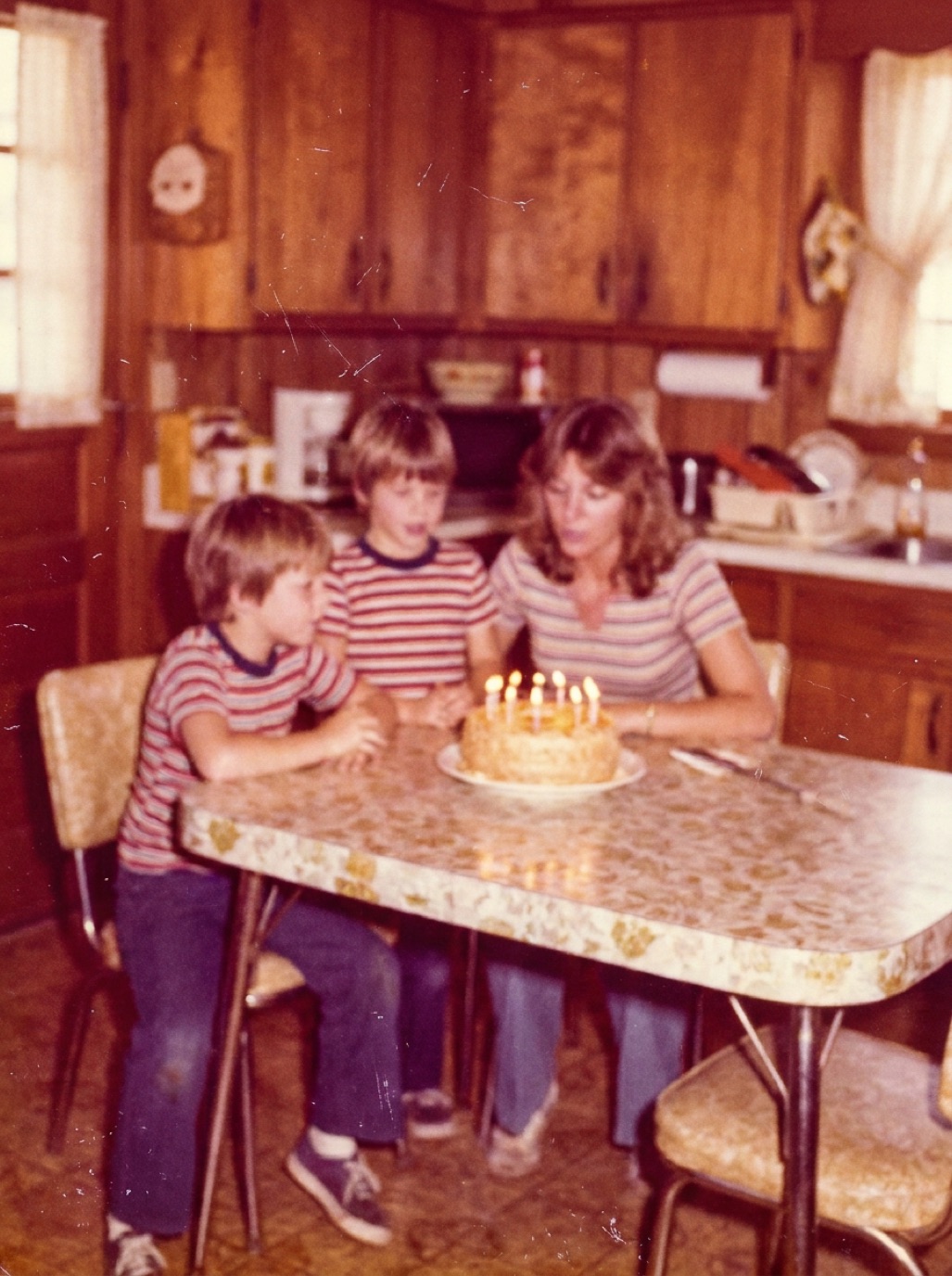
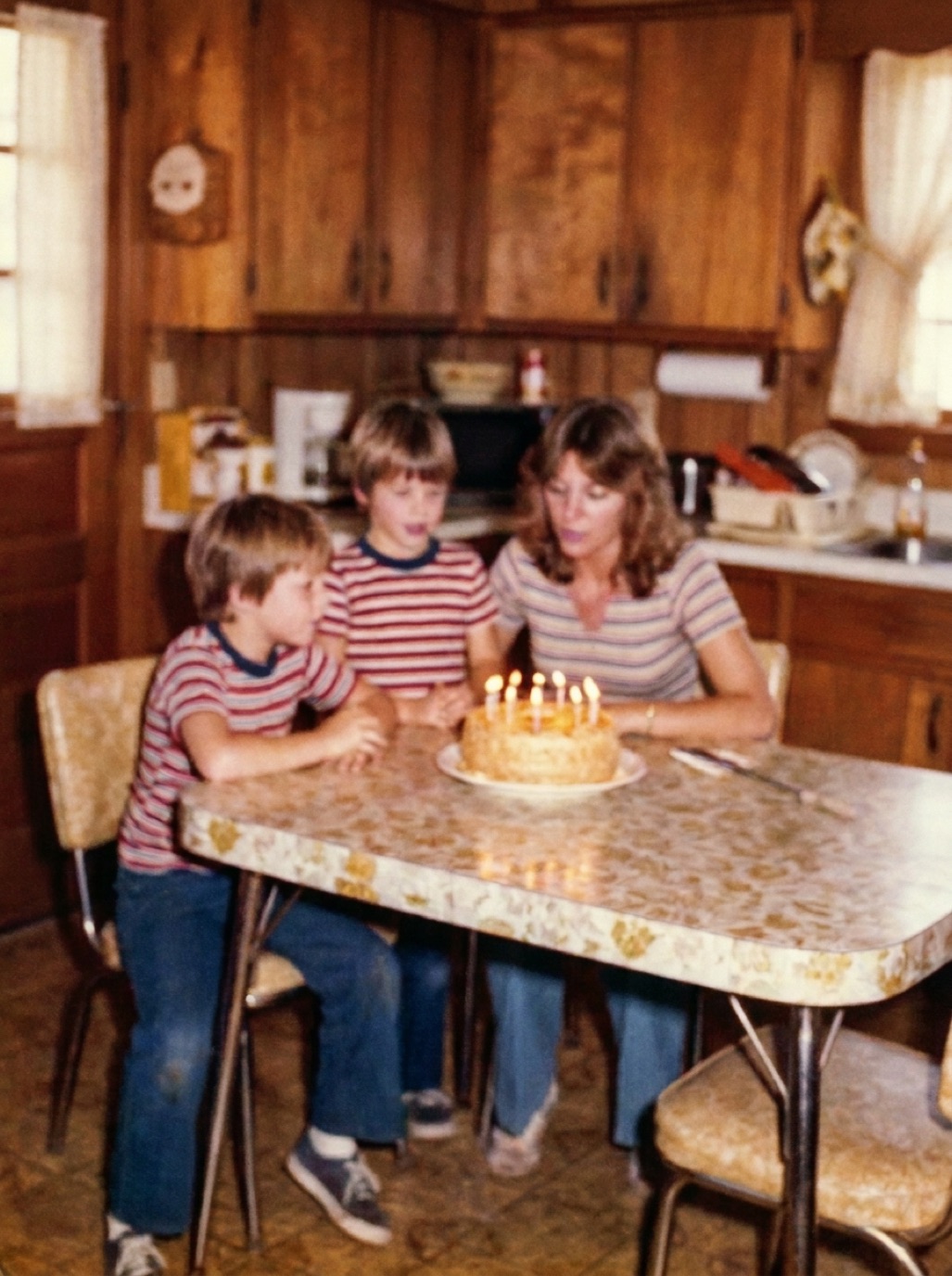
Old photographs get damaged in predictable ways. They are folded into wallets, stored in damp basements, stuck in "magnetic" albums, exposed to sunlight on a mantelpiece or simply handled a few thousand times. Each kind of damage needs a slightly different approach, both for the physical print and for the digital repair.
This guide is the hub for our repair articles: find your type of damage below, read the short version, then follow the link for the full method.
First, protect the original
Before any digital repair:
- Handle prints by the edges with clean, dry hands.
- Don't use tape, glue or water on the print.
- Capture or scan it as it is, damage included. The digital copy is what you repair.
- Store it safely afterwards (see how to store old photos).
Damage types and how to fix them
| Damage | What it looks like | Digital fix | Full guide |
|---|---|---|---|
| Scratches & dust | Thin white or black lines, specks | AI removal, or healing brush | Remove scratches |
| Tears | Rips, sometimes with missing pieces | Reassemble scan, AI inpainting | Fix torn photos |
| Cracks | Web of fine lines in the emulsion | AI restoration | Fix cracked photos |
| Creases & folds | Sharp white lines, raised ridges | Flatten, then AI repair | Fix creased photos |
| Water damage | Tide marks, blotches, bleached areas | Dry first, then AI repair | Water-damaged photos |
| Fading | Pale, low contrast, washed out | Tone and color correction | Fix faded photos |
| Yellowing | Overall yellow or brown cast | Color correction | Fix yellowed photos |
| Stains | Brown spots, tape residue, fingerprints | AI removal | Remove stains |
| Mold | Fuzzy spots, white bloom | Isolate and dry, then repair | Mold on old photos |
| Sun damage | One side faded, color shift | Color correction + restoration | Sun-damaged photos |
| Damaged faces | Scratches or loss across a face | Careful AI face restoration | Damaged faces |
The fastest way to repair most damage
Most old photos have several kinds of damage at once: a faded, scratched print with a crease and a stain. Fixing each problem separately in an editor takes a long time. An AI restoration app such as Refixo repairs them together in one pass: scratches and noise removed, damage repaired, faces enhanced, colors and contrast restored. You can then drag the slider to compare with the original.
When repair needs a professional
- Large missing areas, especially across faces.
- Fragile or historically valuable originals (tintypes, daguerreotypes, glass plates).
- Photos stuck to glass or to each other (see separating photos stuck together).
- Active mold on a large collection.
In those cases, a conservator protects the object and a retoucher or AI handles the digital copy.
Frequently asked questions
Can every damaged photo be repaired?
Most can be improved dramatically. Areas that are completely missing can only be reconstructed, not recovered, so results there are plausible rather than exact.
Should I repair the physical print or the scan?
Repair the scan. Physical repairs should be left to conservators; at home, focus on gentle handling and good storage.
What's the most common type of damage?
Fading and color shifts, followed by scratches, dust and creases from handling.
Can AI repair a photo with several kinds of damage?
Yes. AI restoration handles scratches, stains, fading and blur in one pass, which is why it's faster than repairing each problem by hand.
Restore it in seconds
Bring your old photos back to life
Refixo's AI removes scratches, tears and stains, sharpens faces and colorizes black & white photos in seconds. Free to download on iPhone and iPad, with a 3-day free trial.
Download on theApp Store