
How to Remove Stains from Old Photos (Without Damaging Them)
Remove coffee, tape, glue, foxing and fingerprint stains from old photos the safe way: what not to do to the print, and how to clean stains digitally.
By Ayoub Farid · · 2 min read
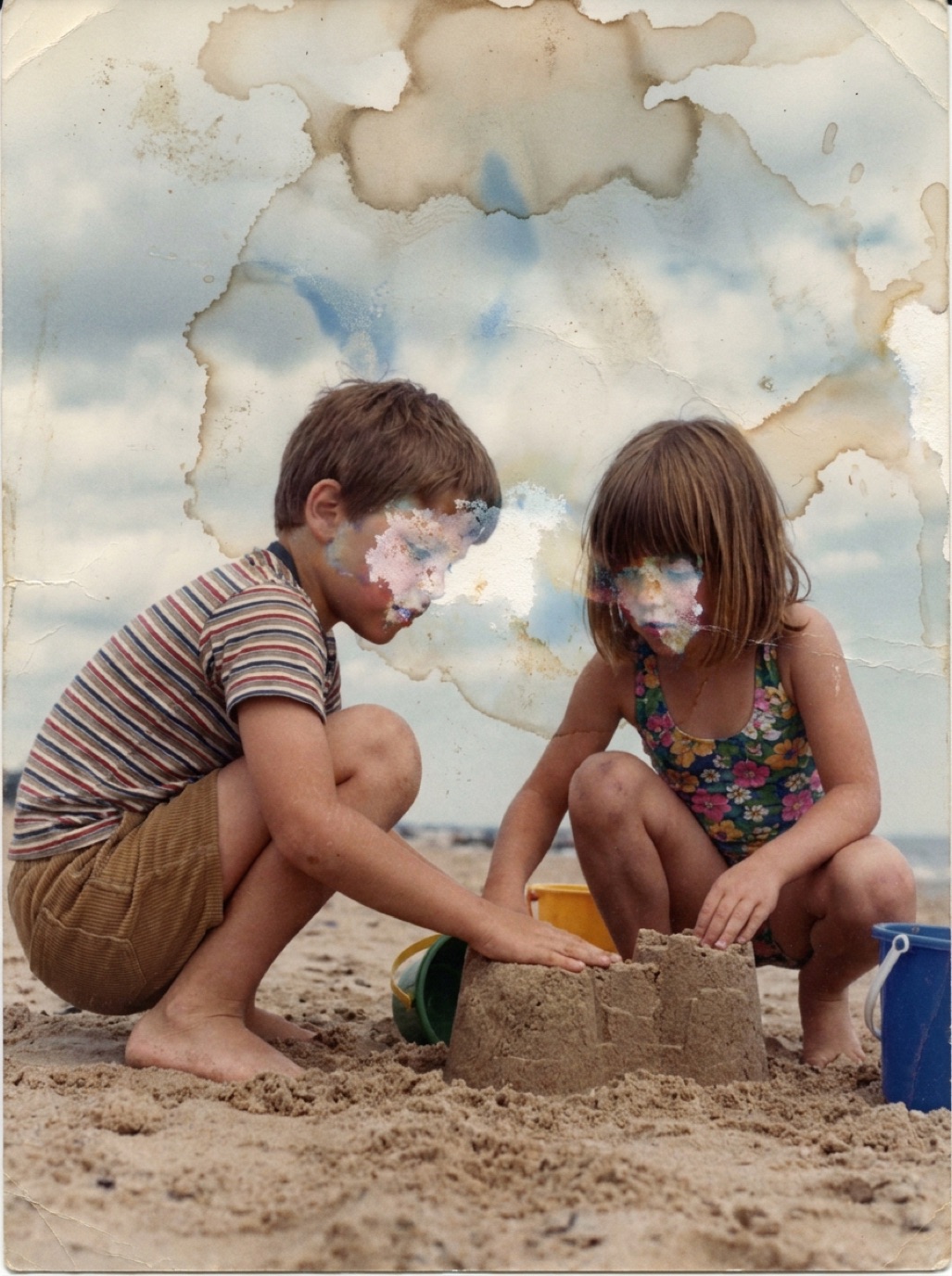

Coffee rings, brown spots, tape residue, fingerprints, glue from old albums: stains are common on photos that have been loved and handled for decades. Physically removing them is risky. Digitally removing them is easy.
Common stains and their causes
| Stain | Cause |
|---|---|
| Brown spots ("foxing") | Humidity, impurities in paper or mounts |
| Yellow/brown rectangles | Old tape or adhesive |
| Rings and blotches | Spilled drinks, water |
| Fingerprints | Oils from handling, sometimes etched into the emulsion |
| Overall brown edges | Acidic mounts, frames or albums |
| Silver mirroring | Bluish metallic sheen on old black and white prints |
Don't try to scrub the print
Home remedies like vinegar, alcohol, erasers or wet cloths can lift the emulsion, spread the stain or leave permanent marks. A conservator can sometimes treat valuable prints, but for most family photos, the safe choice is: leave the print alone, fix the scan.
The only safe home cleaning is light dust removal with a soft brush (see how to handle old photos).
Digitize carefully
Stains often have slight texture or sheen, so capture in soft, even light without glare (see photographing prints without glare). Silver mirroring in particular shows up badly under direct light; angled, diffuse light reduces it.
Remove stains with AI
In Refixo, choose the photo and tap Restore. The AI identifies stains as damage and replaces them with the underlying image content, while also restoring contrast and color. Large stains over plain areas (sky, walls, backgrounds) disappear almost completely; stains across faces are reconstructed and should be checked against the original.
Remove stains manually
- Small spots: spot healing brush.
- Larger blotches on even backgrounds: clone stamp or content-aware fill.
- Color stains (like a coffee ring on a black and white photo): desaturate the area or the whole image, then fix the remaining tonal difference with a soft dodge/burn or curves adjustment layer.
Prevent new stains
- Store photos in archival, acid-free sleeves and boxes.
- Remove photos from acidic frames and mats when you can do so safely.
- Never use tape, even "invisible" tape, on photos.
- Keep drinks away from your scanning table.
Related guides: removing photos from magnetic albums, fixing yellowed photos and mold on old photos.
Frequently asked questions
Can I remove a coffee stain from a photo?
Not safely from the print itself. Scan or photograph it and remove the stain digitally.
What are the brown spots on my old photos?
Usually foxing, caused by humidity and impurities in paper or mounts. Store photos in a dry place to slow it down.
How do I remove tape from an old photo?
Don't pull it. Tape residue can take the image with it. Scan the photo with the tape, repair digitally, and ask a conservator about valuable originals.
Will AI remove stains across faces?
Usually yes. Compare the result carefully to make sure the face still matches the original.
Restore it in seconds
Bring your old photos back to life
Refixo's AI removes scratches, tears and stains, sharpens faces and colorizes black & white photos in seconds. Free to download on iPhone and iPad, with a 3-day free trial.
Download on theApp Store