
How to Print Restored Photos: Labs, Paper, Sizes and Color
Print restored old photos so they look their best: choosing a print lab, paper types, sizes and aspect ratios, color matching and archival printing.
By Ayoub Farid · · 2 min read
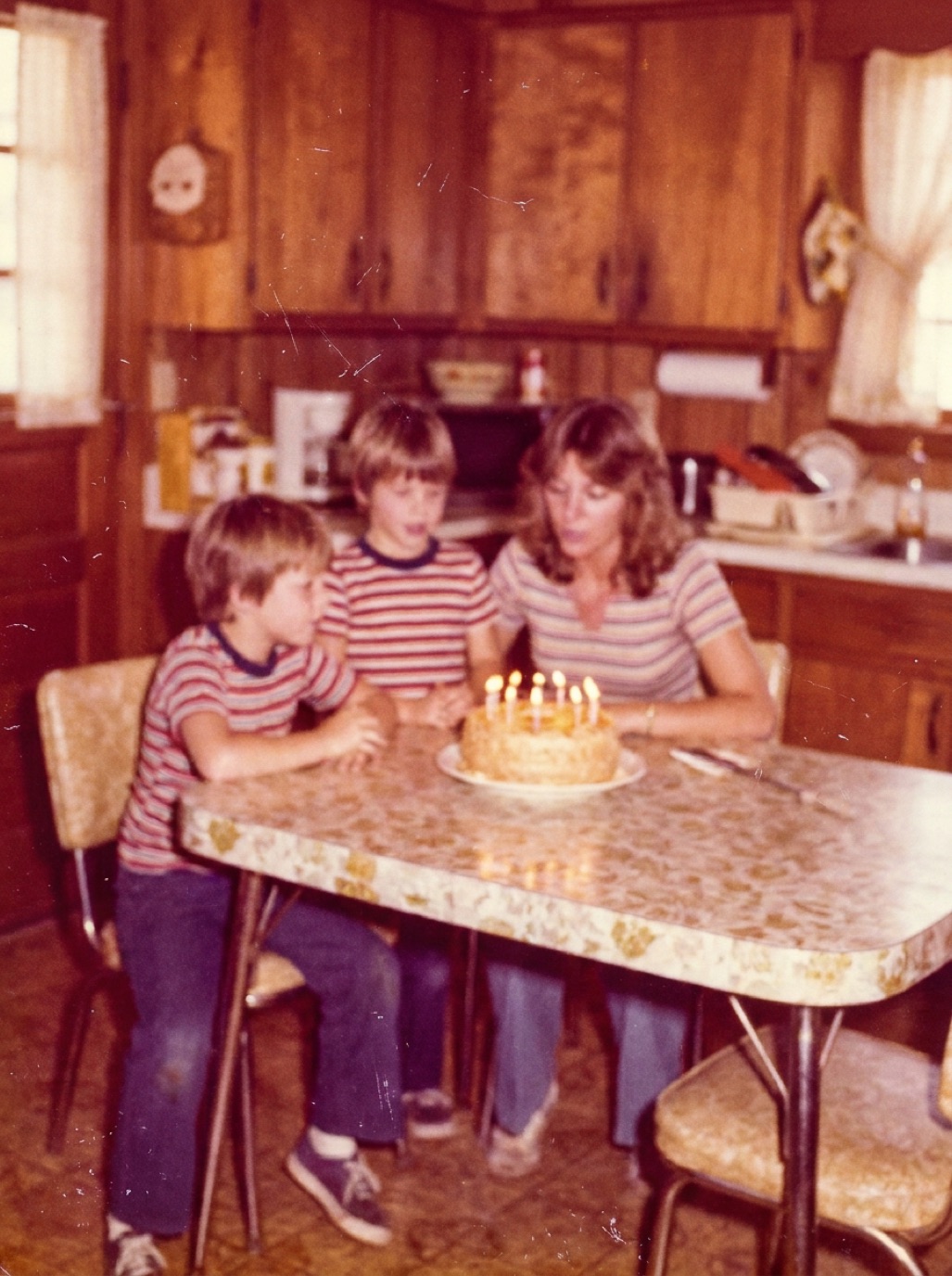
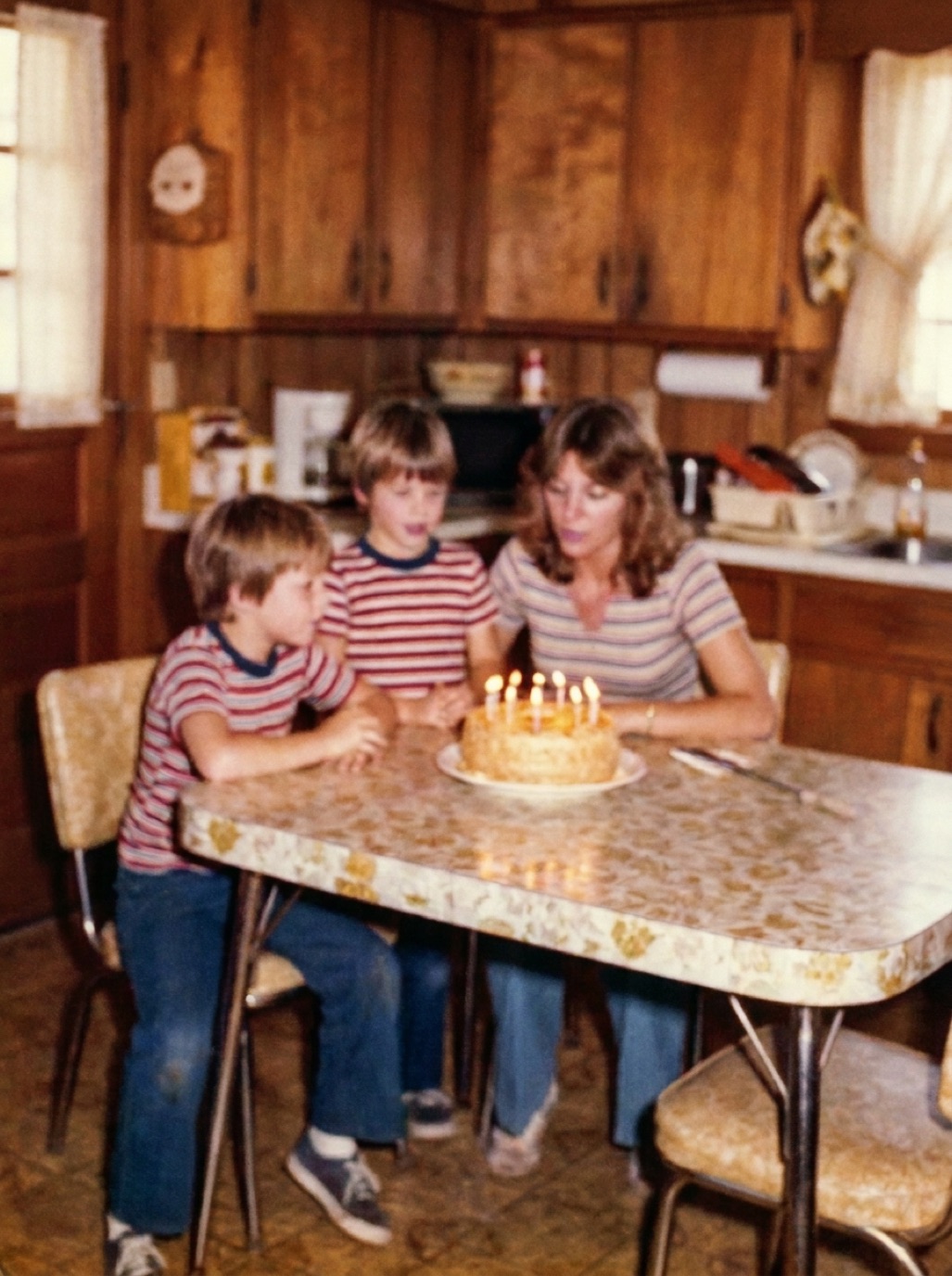
A restored photo deserves to be held, framed and passed around, not just seen on a phone. Printing well takes a few decisions: where to print, which paper, which size and how to avoid surprises with color and cropping.
Where to print
- Online photo labs: good quality, many sizes and papers, delivery in days.
- Local photo shops and pharmacies: fast, sometimes same-day; quality varies.
- Professional labs: best color accuracy and archival papers; higher prices.
- Home inkjet printers: convenient for small batches; use photo paper and genuine inks for longevity.
Paper types
| Paper | Look | Best for |
|---|---|---|
| Glossy | Vivid, shiny | Albums, colorful modern-looking restorations |
| Lustre/semi-gloss | Subtle sheen, less glare | Most restored photos, framing |
| Matte | No glare, soft | Black and white, vintage look, frames under glass |
| Fine art/cotton rag | Textured, archival | Heirloom portraits |
Sizes and aspect ratios
Old photos come in many shapes: square prints, 3:2 snapshots, odd studio sizes. Print sizes have standard ratios too (4×6 is 3:2, 8×10 is 5:4). If they don't match, the lab may crop automatically.
- Choose a size with the same ratio as your photo, or
- Add a white border to fit the print size without cropping, or
- Crop yourself before uploading so you control what's cut.
Resolution
For sharp prints, aim for around 300 pixels per inch at the final size (see restoring photos for printing and increasing photo resolution for printing). Restored photos from Refixo are exported in full quality without watermarks, ready for printing.
Color and brightness
- Screens are brighter than paper. Judge photos with screen brightness around half.
- Turn off "auto-correct" or "auto-enhance" at the lab if you've already restored the photo, so they don't change it again.
- Order a small test print before large or expensive prints.
Archival printing
For heirloom prints, ask for pigment inks or archival papers, and frame with UV-filtering glass (see framing old family photos and preventing photos from fading).
Printing black and white photos
Black and white restorations can pick up a color tint on standard color printers. Labs that offer true black and white printing, or matte paper, give more neutral results.
Frequently asked questions
What's the best paper for printing old restored photos?
Lustre or matte papers suit most old photos and reduce glare in frames.
Why does my print look darker than my phone?
Screens emit light; paper reflects it. Lower screen brightness when judging and order a test print.
Why did the lab crop my photo?
The photo's aspect ratio didn't match the print size. Crop it yourself or add a border.
Should I turn off auto-enhance at the print lab?
Yes, if the photo is already restored, to avoid double processing.
Restore it in seconds
Bring your old photos back to life
Refixo's AI removes scratches, tears and stains, sharpens faces and colorizes black & white photos in seconds. Free to download on iPhone and iPad, with a 3-day free trial.
Download on theApp Store