
How to Increase Photo Resolution for Printing
Increase photo resolution for printing: check pixels and print size, rescan at higher dpi, upscale with AI and avoid blurry, pixelated prints of old photos.
By Ayoub Farid · · 2 min read
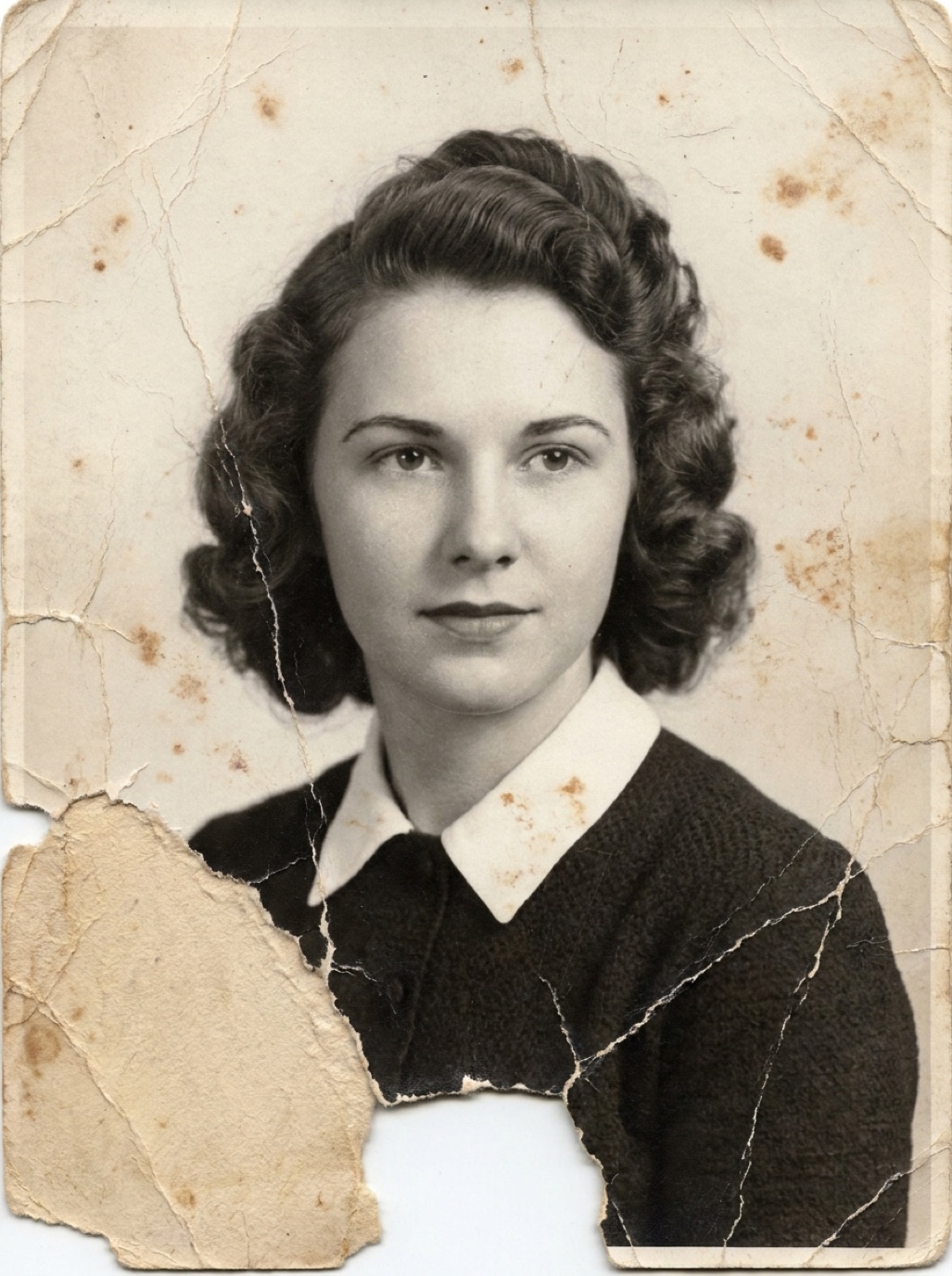
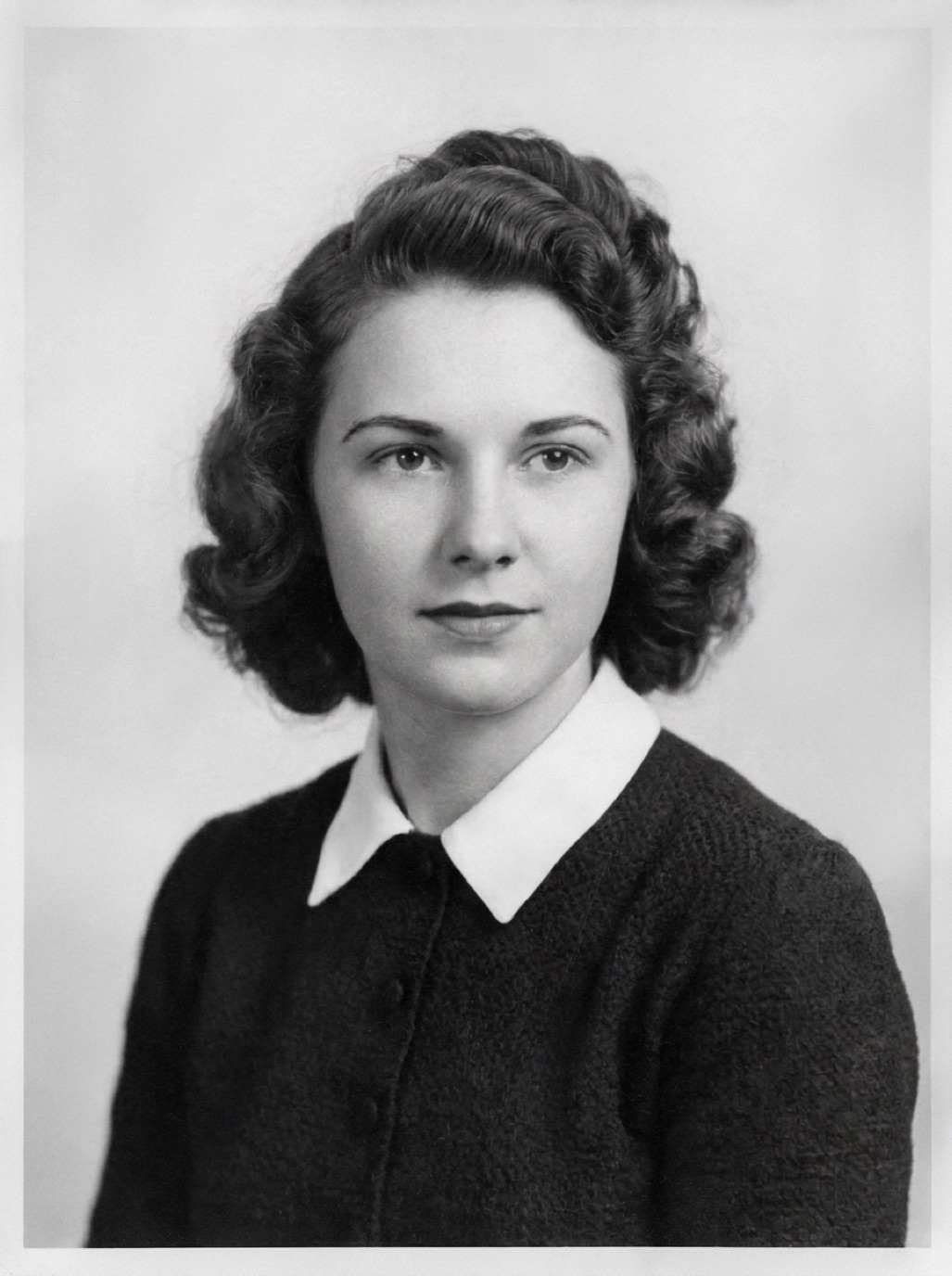
You've restored a family photo and want to print it big, but the print lab warns "low resolution". Or worse, the print arrives soft and blocky. Here's how to check resolution properly and increase it when needed.
Understand the numbers
- Pixels: the image's width and height, e.g. 1200 × 1800.
- Print size: inches or centimeters.
- PPI (pixels per inch): pixels divided by inches. 1200 pixels across 4 inches = 300 ppi.
For sharp, close-viewed prints, aim for about 300 ppi. For large prints seen from a distance, 150–200 ppi is usually fine.
Check your photo
On iPhone, open the photo in Photos and swipe up or tap (i) to see dimensions. Divide by the print size:
- 3000 × 2000 pixels at 10 × 6.7 inches = 300 ppi. Great.
- 1200 × 800 pixels at 10 × 6.7 inches = 120 ppi. Too low for close viewing.
Table of common sizes: restoring photos for printing.
Option 1: Rescan at higher resolution
If you have the print or negative, the best way to get more pixels is to capture it again at higher resolution. Small prints benefit most: a 2 × 3 inch photo at 1200 dpi gives 2400 × 3600 pixels. See best DPI for scanning photos.
Option 2: Upscale with AI
If you only have the digital file, AI upscaling adds pixels with predicted detail. In Refixo, restoration enhances and upscales the photo and exports it in full quality. Then check the new dimensions. See upscaling old photos.
Option 3: Choose a smaller print or a different format
If the photo just doesn't have the detail, consider:
- A smaller print in a large mat (looks elegant and intentional).
- A canvas print, which hides some softness with texture.
- A photo book page with several photos together.
Before you order
- View at 100% zoom on a computer or iPad and look for blocks, halos and smudges.
- Keep screen brightness moderate when judging; prints look darker than screens.
- Order a small test print before a large expensive one.
Related: printing restored photos, framing old family photos.
Frequently asked questions
How do I increase the resolution of a photo?
Rescan the original at higher dpi if possible, otherwise use AI upscaling.
What resolution do I need for an 8 × 10 print?
About 2400 × 3000 pixels for 300 ppi; 1600 × 2000 is acceptable for viewing at arm's length.
Does changing the dpi setting in an editor increase resolution?
No. Changing the dpi number without adding pixels only changes the intended print size.
Can a phone photo of a print be enlarged?
Yes, with AI upscaling, if the capture is sharp. Very large enlargements need a high-resolution scan.
Restore it in seconds
Bring your old photos back to life
Refixo's AI removes scratches, tears and stains, sharpens faces and colorizes black & white photos in seconds. Free to download on iPhone and iPad, with a 3-day free trial.
Download on theApp Store