
Best Photo Colorizer Apps in 2026: How to Choose
How to choose the best photo colorizer app: natural skin tones, restoration before color, color bleeding, resolution, watermarks and privacy, compared honestly.
By Ayoub Farid · · 2 min read
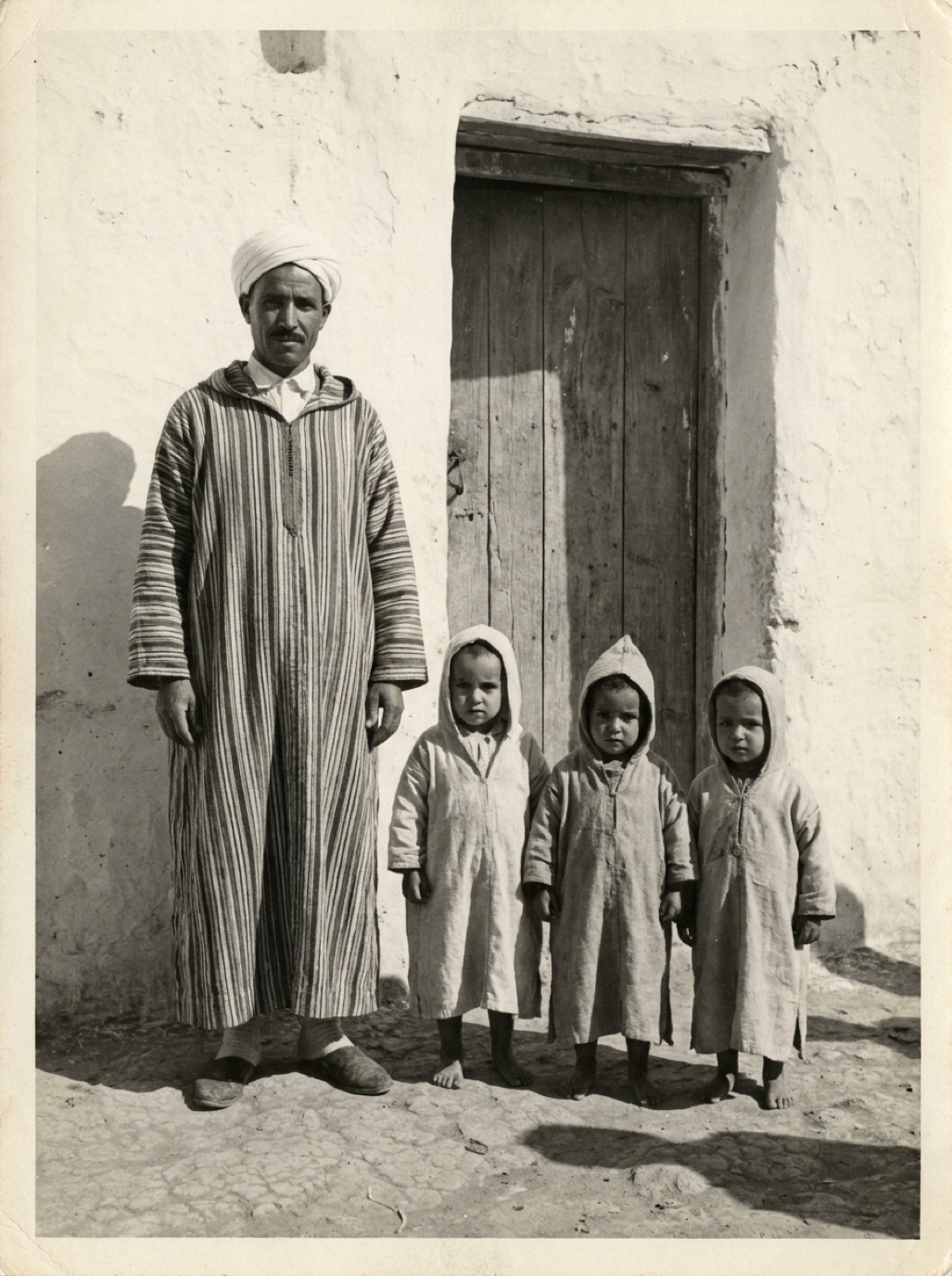
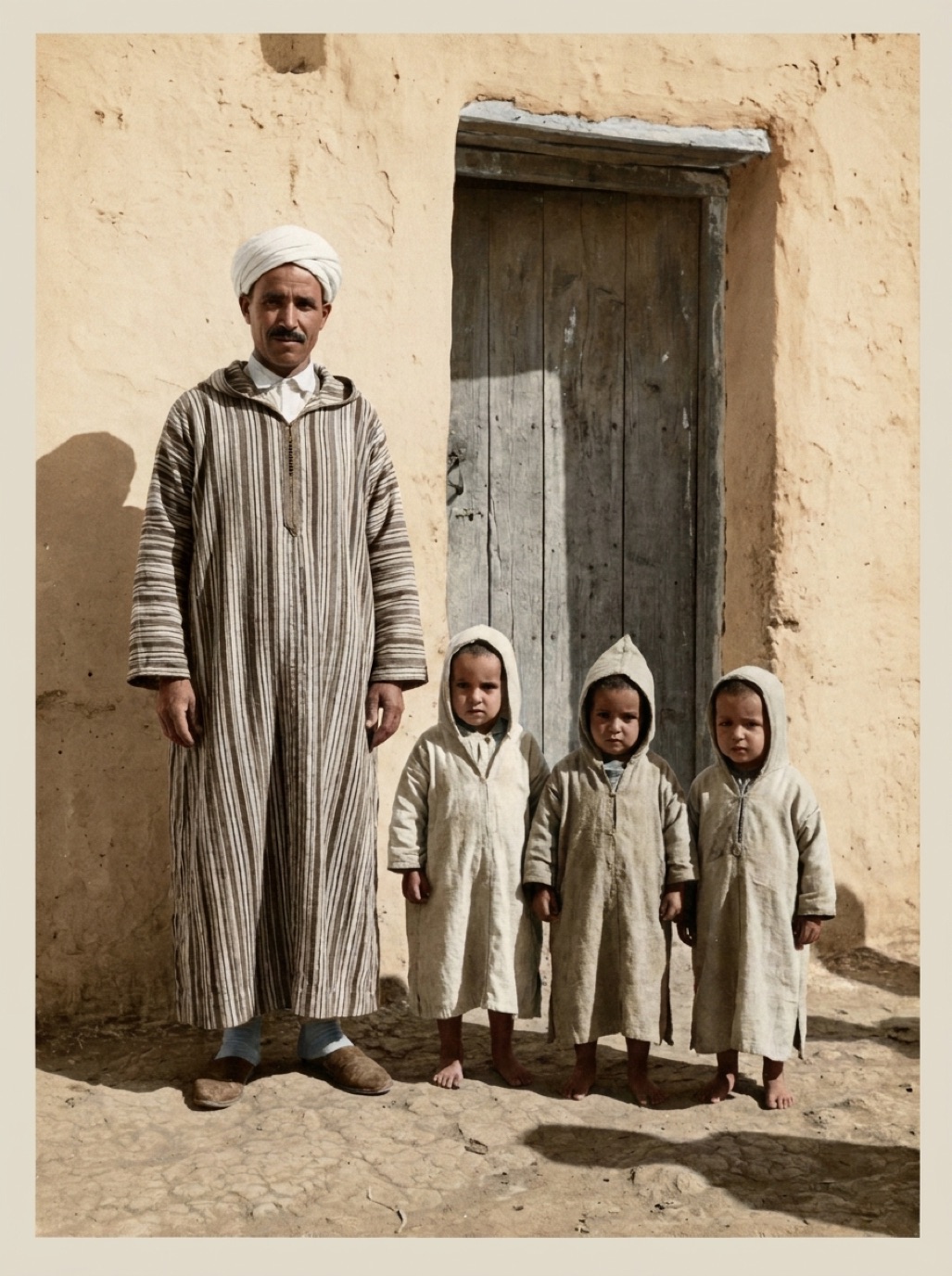
There are dozens of apps and websites that colorize black and white photos. Their screenshots all look amazing. The differences show up on your photos: a faded, scratched studio portrait from 1938 is a much harder test than a sharp, clean sample image.
What separates good colorizers from bad ones
1. Natural skin tones
The single most important test. Bad colorizers produce orange, grey or uniform skin. Good ones produce natural variation between people and within a face (cheeks, lips, shadows).
2. Restoration before color
Colorizing a scratched, faded photo produces colored scratches and muddy tones. The best tools restore damage first. Refixo restores and colorizes in one pass, so color is applied to a clean image.
3. No color bleeding
Check edges: collars, hands against clothing, hair against sky. Color shouldn't spill across.
4. Believable, era-appropriate color
Over-saturated "postcard" colors look fake. Muted, realistic tones are more convincing for old photos.
5. Output quality
Look for full-resolution exports and no watermark on paid plans.
6. Privacy
Check the app's privacy policy and App Store privacy label (see AI photo restoration privacy).
Types of colorizer tools
| Type | Strengths | Trade-offs |
|---|---|---|
| Restoration + colorization apps (e.g. Refixo) | One tap, damage removed first, on iPhone/iPad | Subscription after trial |
| Genealogy platform colorizers | Integrated with family trees | Usually tied to a platform subscription |
| General photo editors | Many other features | More steps, variable quality |
| Free websites | No install | Watermarks, resolution limits, unclear privacy |
| Desktop software | Manual control of every color | Learning curve, time |
Test with three photos
During free trials, colorize:
- A close-up portrait (skin tones).
- A group photo outdoors (multiple people, sky, plants).
- A damaged print (does it restore first?).
Compare at full size. The best app is the one whose results you'd frame.
Related: best photo restoration apps, colorizing photos on iPhone, how AI colorization works.
Red flags when choosing
- Only celebrity or stock samples in the screenshots: you can't judge old, damaged photos from those.
- Watermarks on every export, even after paying.
- No privacy policy, or one that doesn't mention photos.
- Extreme saturation that makes every photo look like a modern postcard.
- No before/after comparison inside the app, which makes it hard to check details.
A trustworthy colorizer shows you the original next to the result, so you can judge for yourself.
Frequently asked questions
What is the best app to colorize old photos?
The one that gives natural skin tones and clean edges on your own photos. Test a few with free trials.
Are free photo colorizers any good?
Some are decent for a quick test, but often add watermarks or limit resolution.
Do colorizer apps restore damage too?
Some do. Refixo removes scratches, stains and fading and colorizes in one pass.
Can I colorize many photos at once?
It depends on the app. With a one-tap app, each photo takes only a few seconds.
Restore it in seconds
Bring your old photos back to life
Refixo's AI removes scratches, tears and stains, sharpens faces and colorizes black & white photos in seconds. Free to download on iPhone and iPad, with a 3-day free trial.
Download on theApp Store