
Colorize Old Family Photos: Tips for Natural, Lifelike Results
Colorize old family photos so they look natural: choosing photos, restoring first, checking skin tones and clothing, and sharing colorized photos with family.
By Ayoub Farid · · 2 min read
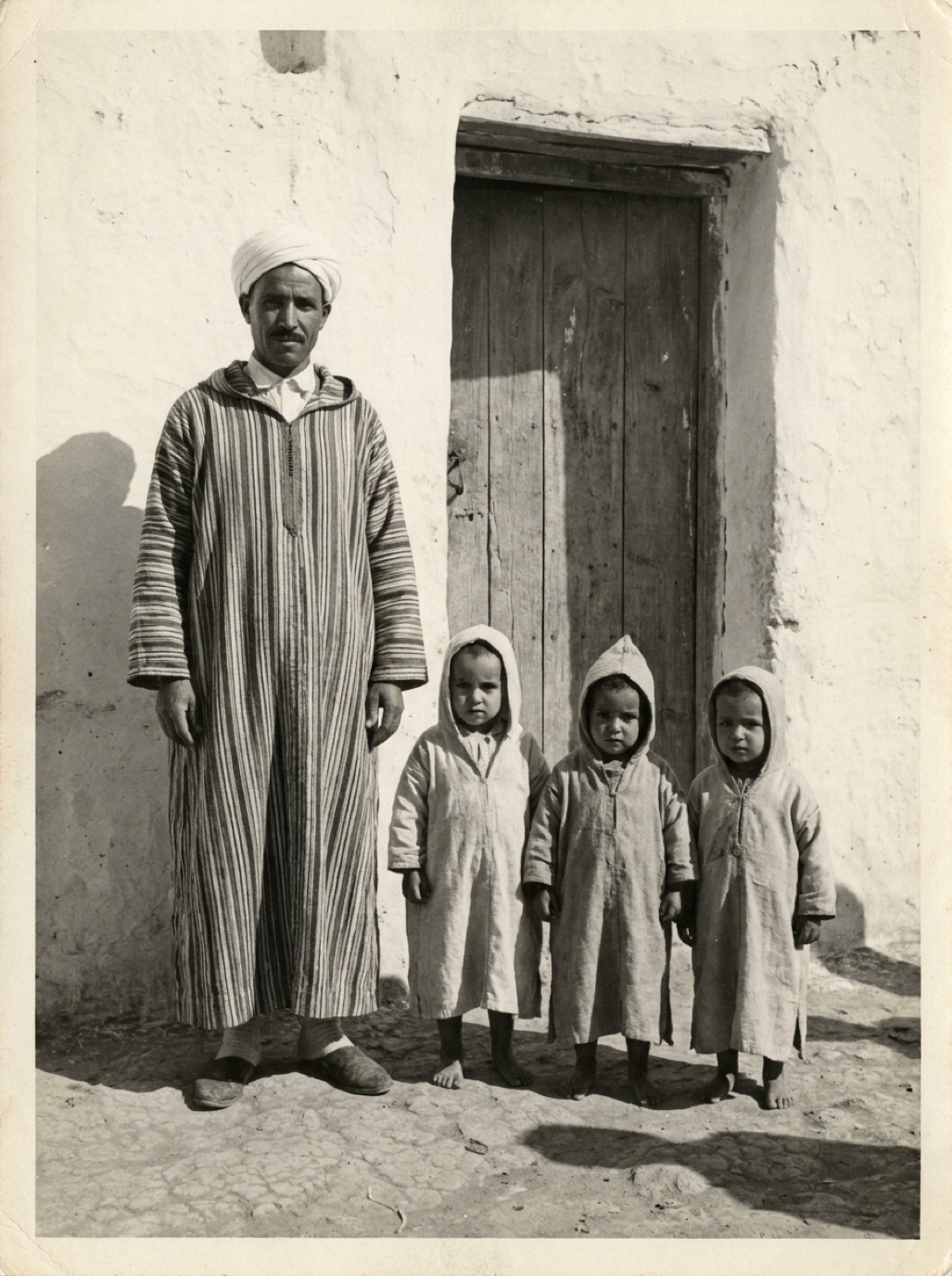
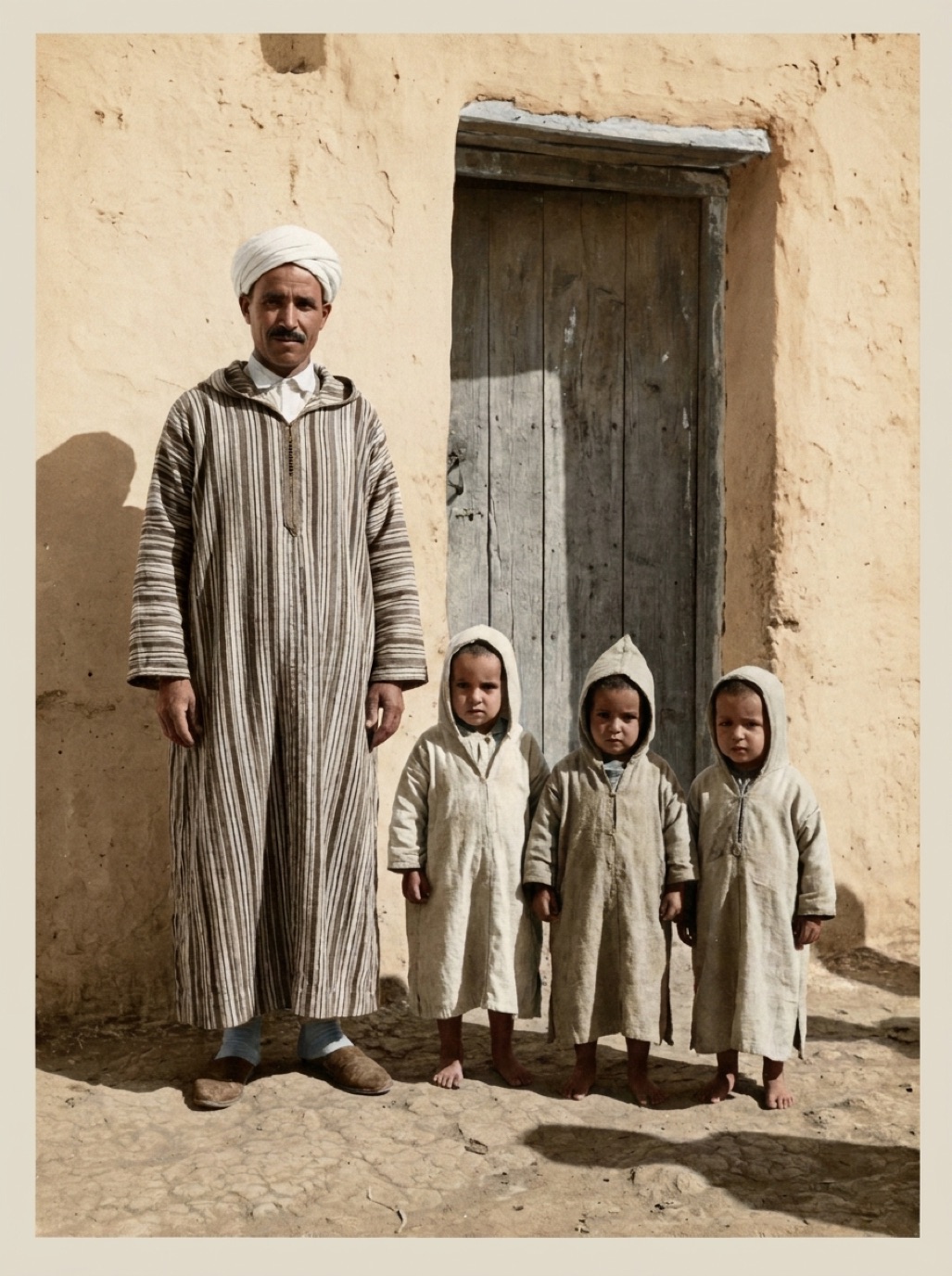
Family photos are the most rewarding photos to colorize. A great-grandfather in his Sunday suit, a grandmother as a teenager, cousins lined up at a long-gone farmhouse: color makes them feel present. Here's how to get results that look natural and that your family will love.
Choose the right photos first
Start with photos that will colorize well:
- Clear, sharp portraits and small groups.
- Outdoor scenes with sky, trees and buildings.
- Prints with good contrast, or ones that will have good contrast after restoration.
Leave very blurry, tiny or heavily damaged photos for later; restore them first and see how they turn out.
Restore, then colorize
Scratches, stains and fading produce muddy colors. Refixo handles both in one pass: tap Restore and the AI removes damage, enhances faces, then applies natural color to black and white photos.
Use what your family remembers
AI chooses plausible colors, not known ones. If relatives remember details, write them down:
- Grandma's red winter coat.
- The green front door of the old house.
- Grandpa's blue eyes.
- The color of a car or a wedding dress (ivory, not white).
You can use a photo editor to adjust specific colors after the AI pass, or simply note them in the caption.
Check before sharing
- Skin tones should look natural and varied between people.
- Children's faces shouldn't look grey or orange.
- Clothing colors should be plausible for the era (lots of muted wool tones in older photos).
- No color spilling over edges.
See are colorized photos accurate? for a fuller checklist.
Share them thoughtfully
Colorized family photos are wonderful to share with older relatives, who often say "that's exactly how I remember it" or "no, her dress was blue". Those conversations are part of the value (see interviewing grandparents about old photos).
- Share both versions, original and colorized.
- Add a caption: "Colorized with AI, original from 1952."
- Print a pair side by side for a gift (see restored photo gift ideas).
Build a colorized family album
Once you've colorized a handful of photos, consider organizing them into a small collection: one photo per generation, or one per branch of the family. Put the original and colorized versions side by side, add names, dates and a short story for each, and share it as a shared album or a printed book (see family photo book ideas). Older relatives often add new names and stories when they see the colorized versions, so leave room for updates.
Frequently asked questions
What's the best way to colorize old family photos?
Scan them well, restore damage first, colorize with AI, then check skin tones and known details with relatives.
Will colorized photos show the real colors?
They show plausible colors. Use family memories to correct details you know.
Can I colorize a group photo?
Yes. Larger faces give better results; for big groups, restore and colorize a crop as well.
Should I replace the black and white original?
No. Keep both. The original is the historical record.
Restore it in seconds
Bring your old photos back to life
Refixo's AI removes scratches, tears and stains, sharpens faces and colorizes black & white photos in seconds. Free to download on iPhone and iPad, with a 3-day free trial.
Download on theApp Store