
How AI Colorization Works: From Grey Tones to Natural Color
How does AI colorize black and white photos? A clear explanation of how models predict color, why skin and sky look right, and why some colors are guesses.
By Ayoub Farid · · 2 min read
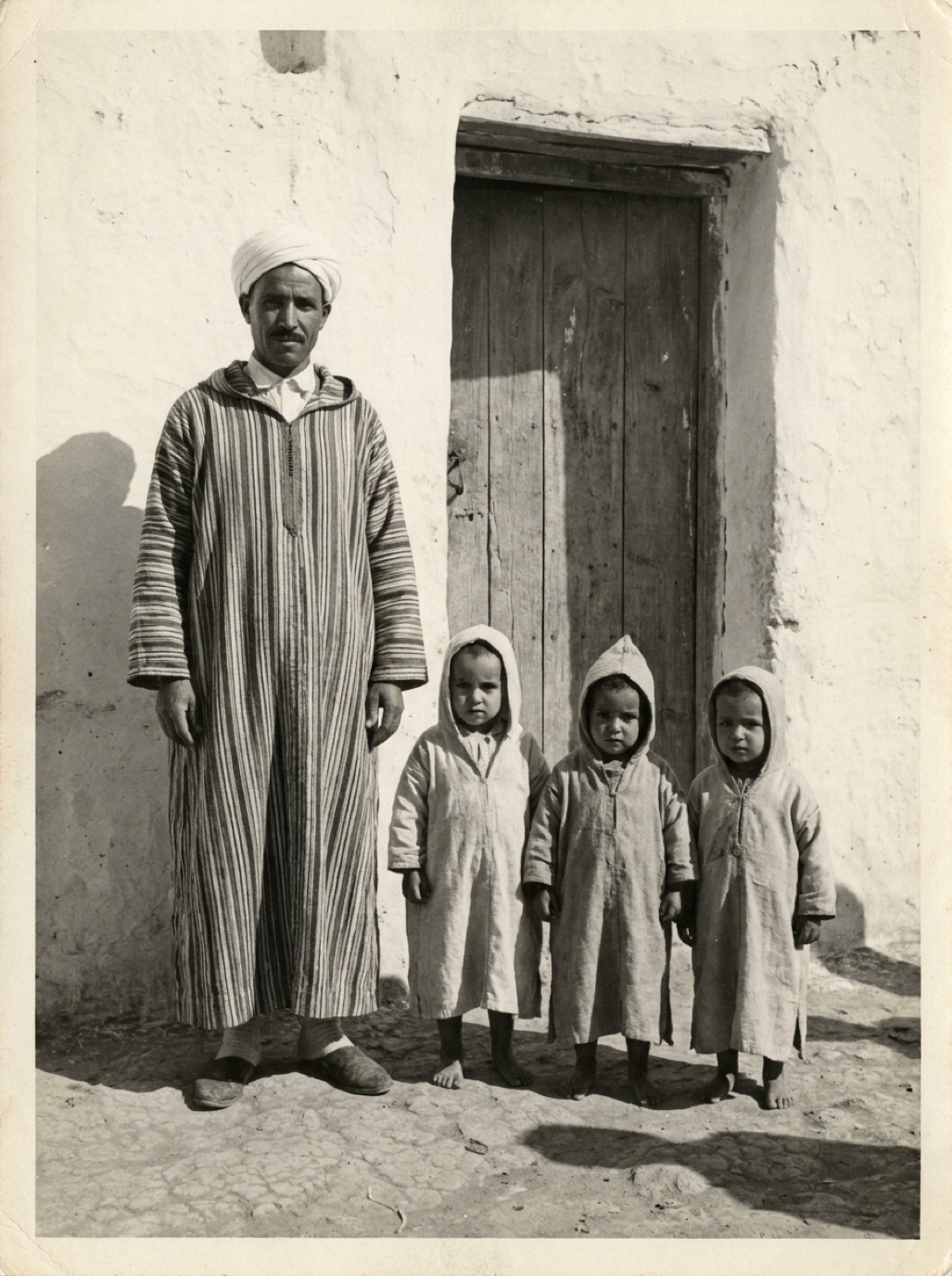

AI colorization looks like magic: grey tones in, natural color out. Behind it is a model that has learned an enormous amount about what the world usually looks like. Understanding that helps you judge results and know when to trust them.
The core problem: grey hides color
In a black and white photo, every pixel has only one value: brightness. A red sweater, a green sweater and a blue sweater of similar darkness all become the same grey. Colorization has to pick one, using context.
How the model learns
- Take millions of color photos.
- Convert them to black and white.
- Train the model to predict the original colors from the grey version.
- Compare its predictions with the real colors and adjust, millions of times.
Over time, the model learns associations: skin has a certain range of tones, sky above a horizon is usually blue, leaves are green, old wooden doors are brown, wool coats in 1950s photos tend to be muted.
What the model "sees"
Modern colorization models look at the whole image, not just individual pixels:
- Objects: face, hand, tree, car, uniform.
- Textures: skin vs fabric vs stone.
- Context: a beach scene, a studio portrait, a city street.
- Era clues: clothing styles and settings.
That's why it gets skin and sky right far more often than it gets a specific dress right.
Why some colors are reliable and others aren't
| Usually reliable | Usually a guess |
|---|---|
| Skin tones (within natural range) | Exact eye color |
| Sky, water, vegetation | Clothing and accessories |
| Wood, stone, earth | Painted walls, cars, signs |
| Hair (dark/light) | Exact hair shade |
| Flags, uniforms, insignia |
Restoration and colorization together
Damage confuses colorization: a scratch might get colored like an object. That's why apps like Refixo restore first (removing scratches, stains and fading) and then colorize, so color is applied to a clean image.
Making results more accurate
- Start with a clean, high-resolution scan.
- Restore before colorizing.
- If you know specific colors (a red dress, blue eyes), a manual editor can correct them afterwards.
- Label colorized photos as colorized when sharing for historical purposes.
Read more in are colorized photos accurate? and our main guide to colorizing black and white photos.
Frequently asked questions
Does AI know the real colors of my photo?
No. It predicts plausible colors based on patterns. Real colors are only known from documentation or memory.
Why do colorized photos sometimes look muted?
When the model is unsure, it often chooses safe, muted colors rather than strong ones.
Can AI colorize old film or video?
Yes, similar technology exists for video, but this article and Refixo focus on still photos.
Why does color sometimes spill outside objects?
The model may misjudge where one object ends, especially on blurry or low-contrast photos. Restoring first reduces this.
Restore it in seconds
Bring your old photos back to life
Refixo's AI removes scratches, tears and stains, sharpens faces and colorizes black & white photos in seconds. Free to download on iPhone and iPad, with a 3-day free trial.
Download on theApp Store