
Is It Safe to Restore Family Photos with AI? A Privacy Guide
Is AI photo restoration safe for private family photos? What happens to your images, which questions to ask, and how to protect your photo privacy.
By Ayoub Farid · · 2 min read
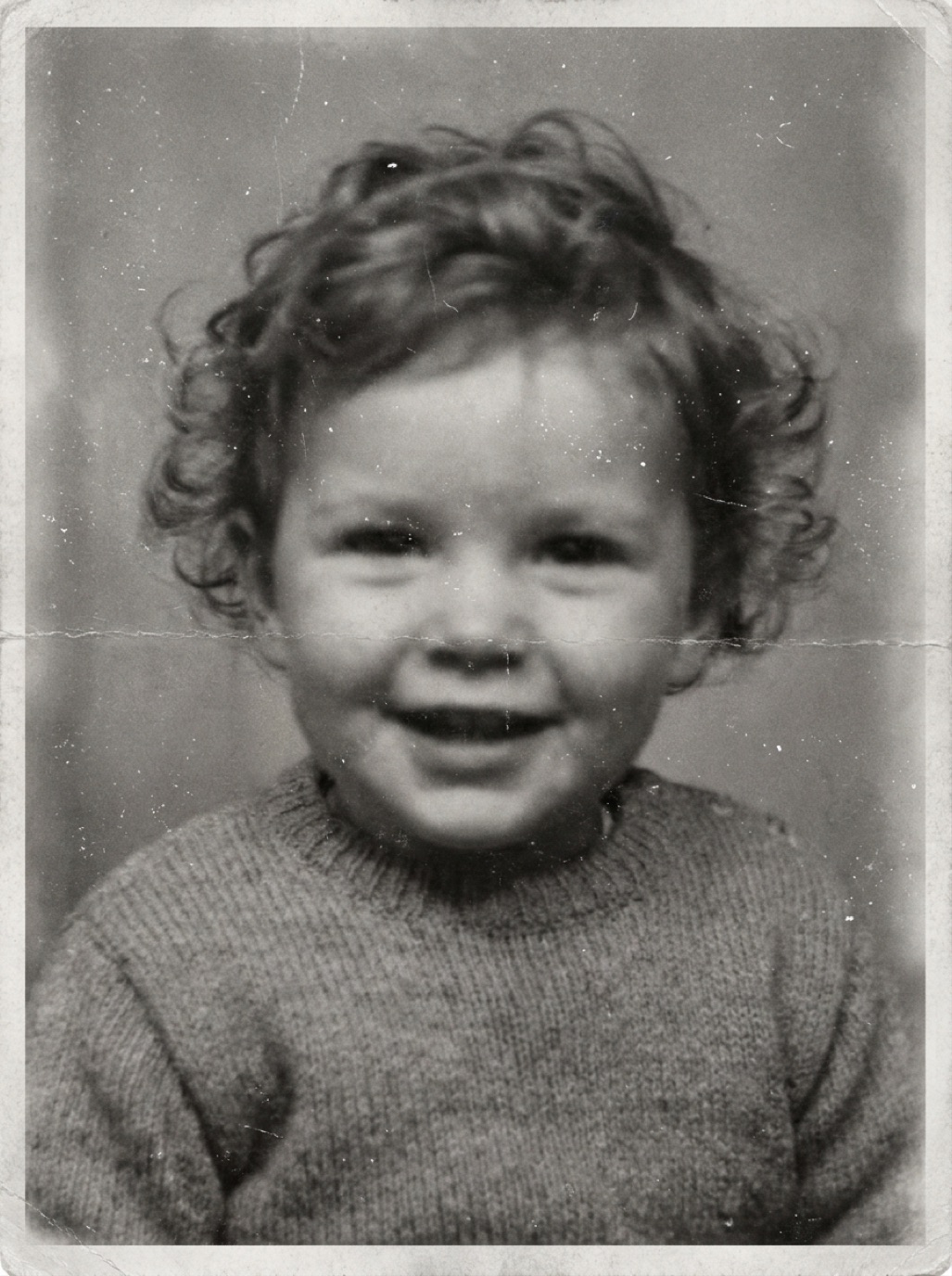
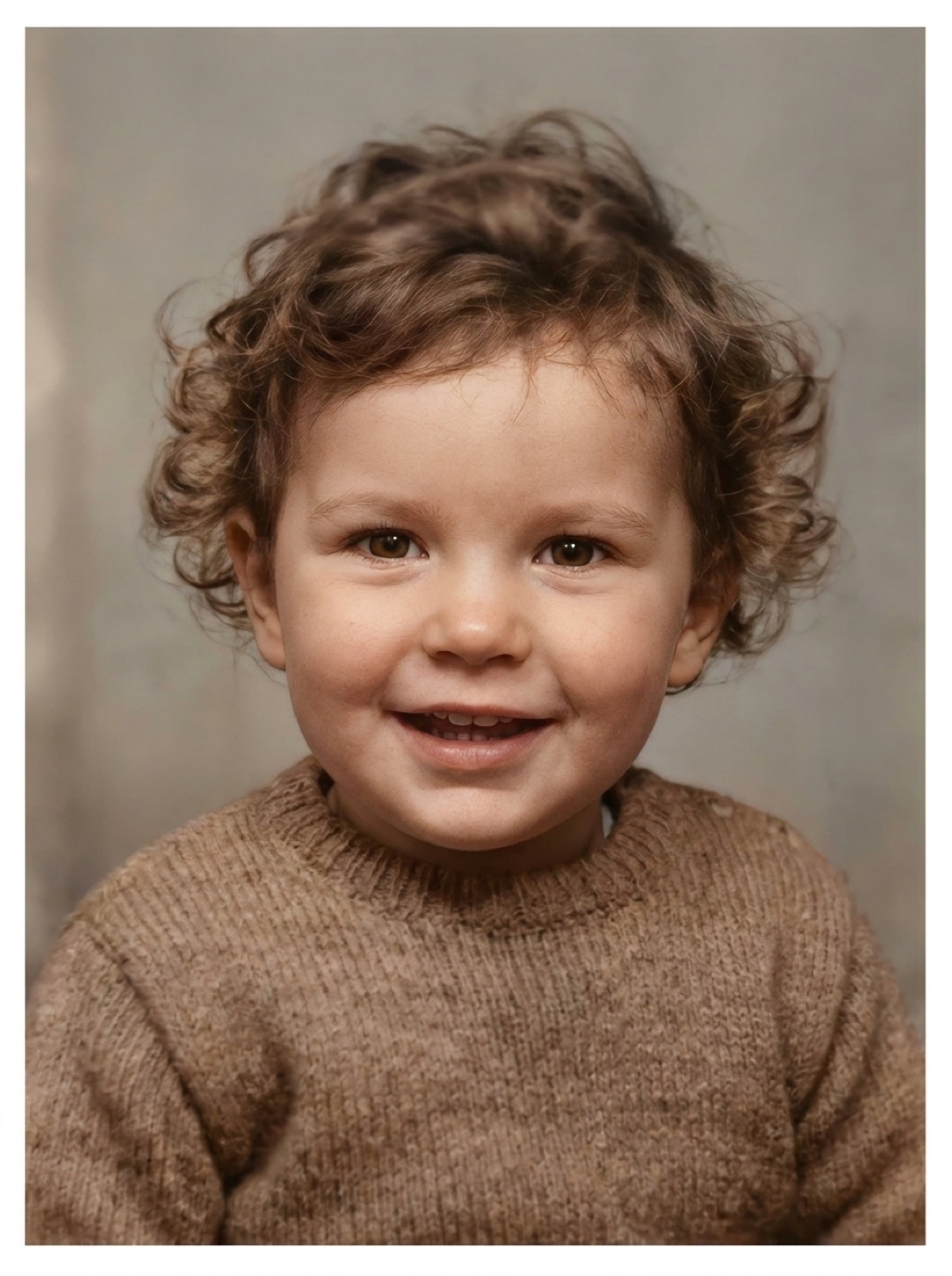
Family photos are some of the most personal images we own: children, grandparents, weddings, homes. Before uploading them to any AI service, it's reasonable to ask what happens to them. This guide explains how restoration apps generally handle photos and what to check.
How AI restoration usually works
Restoring a photo with modern AI requires a lot of computing power, so most apps send the photo to a server, process it, and send the restored version back. That's normal and not inherently unsafe. What matters is what happens around that process:
- Is the connection encrypted?
- Is the photo stored after processing, and for how long?
- Is it shared with third parties or used for other purposes?
- Can you delete your data?
Questions to ask any restoration app
- Does it have a privacy policy, and is it readable? Look for a clear statement on how photos are used.
- What does the App Store "App Privacy" label say? Apple requires developers to declare data they collect, such as "User Content: Photos or Videos", and what it's used for.
- Are photos shared or sold? They shouldn't be.
- Is an account required? Fewer accounts means fewer places your data lives.
- Where are results stored? On your device, in the app's history, or in a cloud gallery?
Refixo states that photos are processed securely and never shared; its App Store privacy label lists photos as used for app functionality. Restored results are kept in your in-app History, and you choose what to save to your library or share.
Practical tips to protect your privacy
- Restore only what you need. You don't have to upload the whole camera roll.
- Crop out sensitive details like addresses, ID cards or documents in the background.
- Be careful with children's photos on services that publish public galleries.
- Avoid "free" websites with unclear ownership. If you can't tell who runs a service, don't upload private photos.
- Check sharing settings before posting restored photos on social media (see sharing restored photos with family).
Consent within families
Old photos often include living relatives. Before posting restored photos publicly, especially on social media or public family-tree sites, ask the people in them (or their close family). Many people are happy to share; some prefer to keep images within the family.
Keep your originals offline too
Privacy also means control. Keep a copy of your original scans and restored files on a drive you own, in addition to any cloud backup. Our guide to backing up family photos explains a simple 3-2-1 system.
Frequently asked questions
Do AI photo restoration apps keep my photos?
It depends on the app. Read its privacy policy and App Store privacy label. Some keep results for your history; reputable apps don't share them.
Is it safe to restore photos of children with AI?
Use apps with a clear privacy policy, avoid services with public galleries, and be thoughtful about where you share the restored photos.
Can I restore photos without uploading them anywhere?
Basic edits in your phone's Photos app stay on-device. Full AI restoration generally requires server processing, so choose a service you trust.
Does Refixo share my photos?
According to its App Store description, photos are processed securely and never shared.
Restore it in seconds
Bring your old photos back to life
Refixo's AI removes scratches, tears and stains, sharpens faces and colorizes black & white photos in seconds. Free to download on iPhone and iPad, with a 3-day free trial.
Download on theApp Store