
How to Share Restored Photos with Family (Without Losing Quality)
Share restored family photos with relatives near and far: shared albums, full-quality messaging, family group etiquette, privacy and making photos last.
By Ayoub Farid · · 2 min read
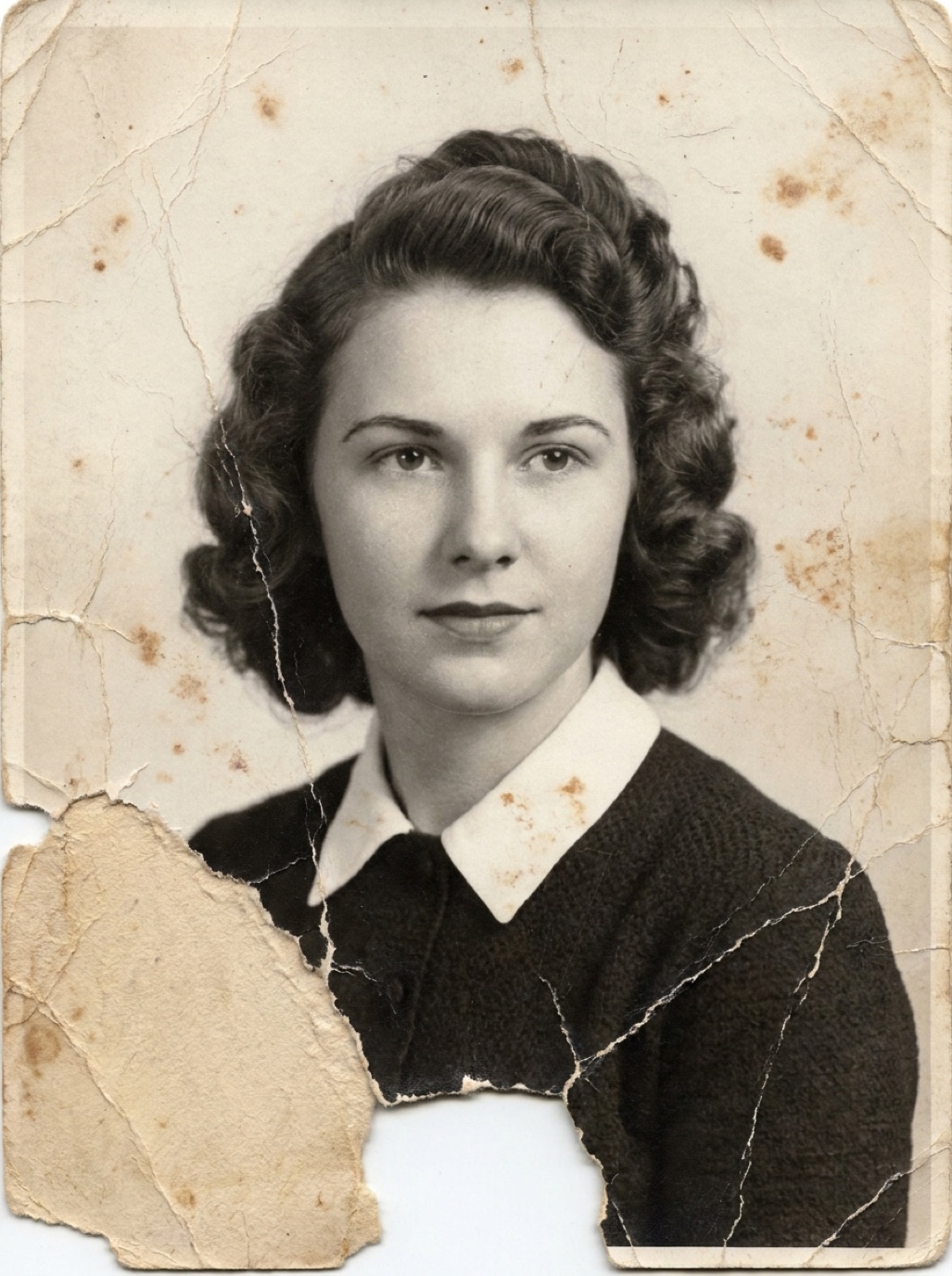
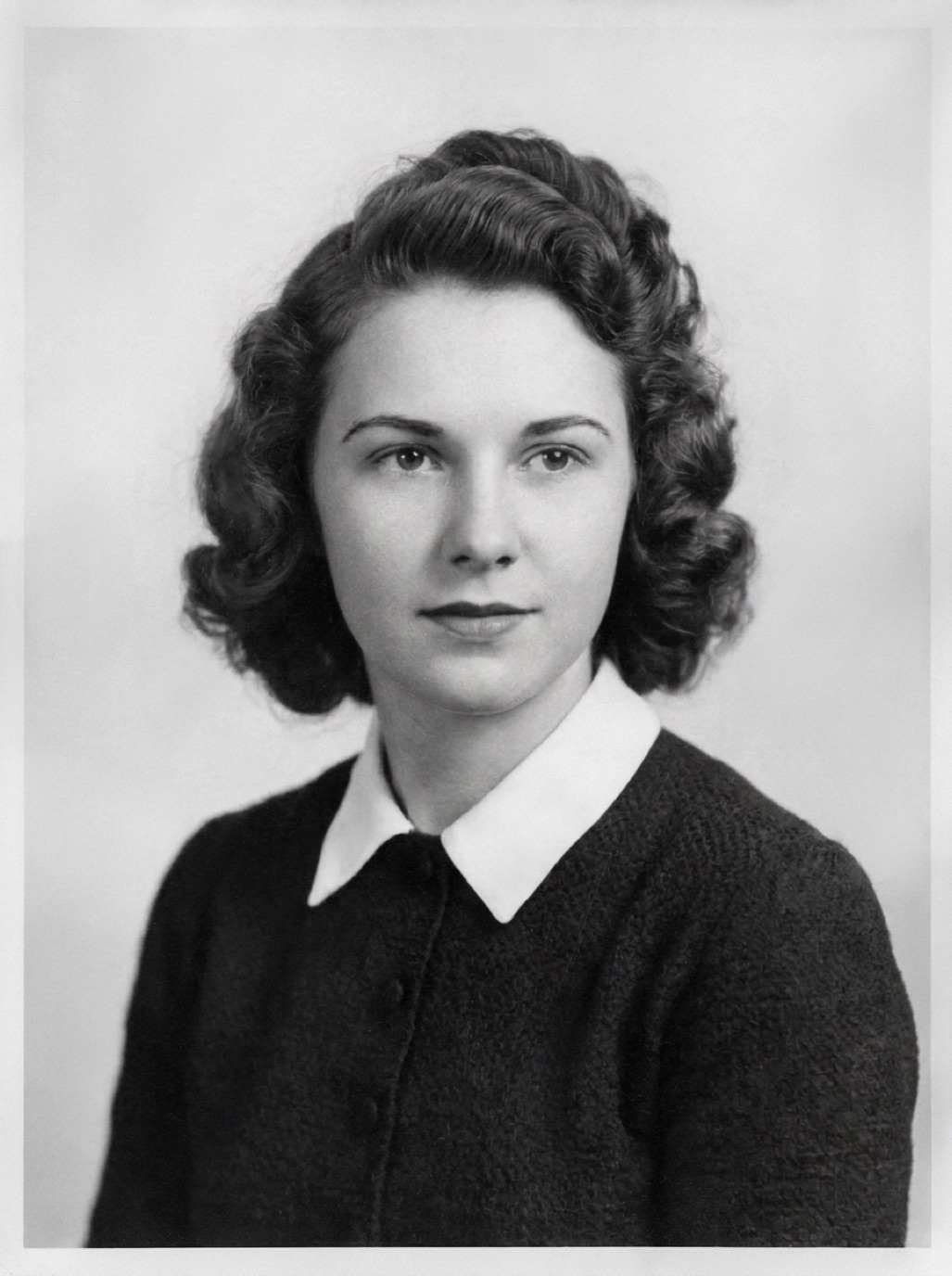
You've restored a stack of family photos. Now everyone wants them. Sharing well means relatives get full-quality copies, the right people see them, and the photos don't end up as blurry screenshots of screenshots.
Best ways to share
Shared albums
- iCloud Shared Albums or Google Photos shared albums: everyone can view, download and comment. Great for a "Family Archive" album.
- Note that some shared album services reduce resolution; for full-quality masters, also share a cloud folder.
Cloud folders
- iCloud Drive, Google Drive, Dropbox, OneDrive: share a folder with full-resolution originals and restored files. Best for the family archivist on each branch.
Messaging
- Send as a file/document in WhatsApp to avoid compression.
- iMessage sends good quality to other Apple devices.
- Avoid forwarding screenshots (see fixing compressed WhatsApp photos).
Directly from the app
Refixo has a Share button on each restored photo, so you can send it straight to Messages, WhatsApp, Mail or AirDrop, and every restore stays in the app's History.
Family group etiquette
- Add context: who's in the photo, when and where. A caption makes the photo meaningful for younger relatives.
- Share the before and after: people love seeing the transformation.
- Ask for stories: "Does anyone know who's on the left?" often starts great conversations.
- Don't flood the chat: share a few at a time, or post a link to the album.
Privacy
- Ask before posting photos of living relatives publicly.
- Be thoughtful with photos of children.
- Public family-tree sites are visible to strangers; check settings.
See AI photo restoration privacy.
Make sharing last
- Keep one organized master archive (see organizing digital family photos).
- Give at least one relative in each branch access to the backups (see how to back up family photos).
- Print the most important ones (see printing restored photos).
Appoint a family photo keeper
Large families work best with one person per branch who collects, organizes and shares photos. They keep the master archive, answer "do we have a photo of…?" questions and make sure new scans and restorations get backed up. Rotate the role if needed, but make sure everyone knows who it is.
Frequently asked questions
What's the best way to share old family photos?
A shared album for viewing and a shared cloud folder for full-quality files.
How do I send photos on WhatsApp in full quality?
Send them as documents/files rather than as photos, or use the HD option where available.
Should I post restored family photos on social media?
If the people in them (or their close family) are comfortable with it. Add a note that they were restored.
How do I share restored photos with older relatives who don't use phones?
Print them. A small album of restored photos is often the best gift for them.
Restore it in seconds
Bring your old photos back to life
Refixo's AI removes scratches, tears and stains, sharpens faces and colorizes black & white photos in seconds. Free to download on iPhone and iPad, with a 3-day free trial.
Download on theApp Store