
AI vs Professional Photo Restoration: Which Should You Choose?
AI photo restoration vs a professional retoucher: compare quality, cost, speed and accuracy, and learn which old photos need a human expert.
By Ayoub Farid · · 3 min read
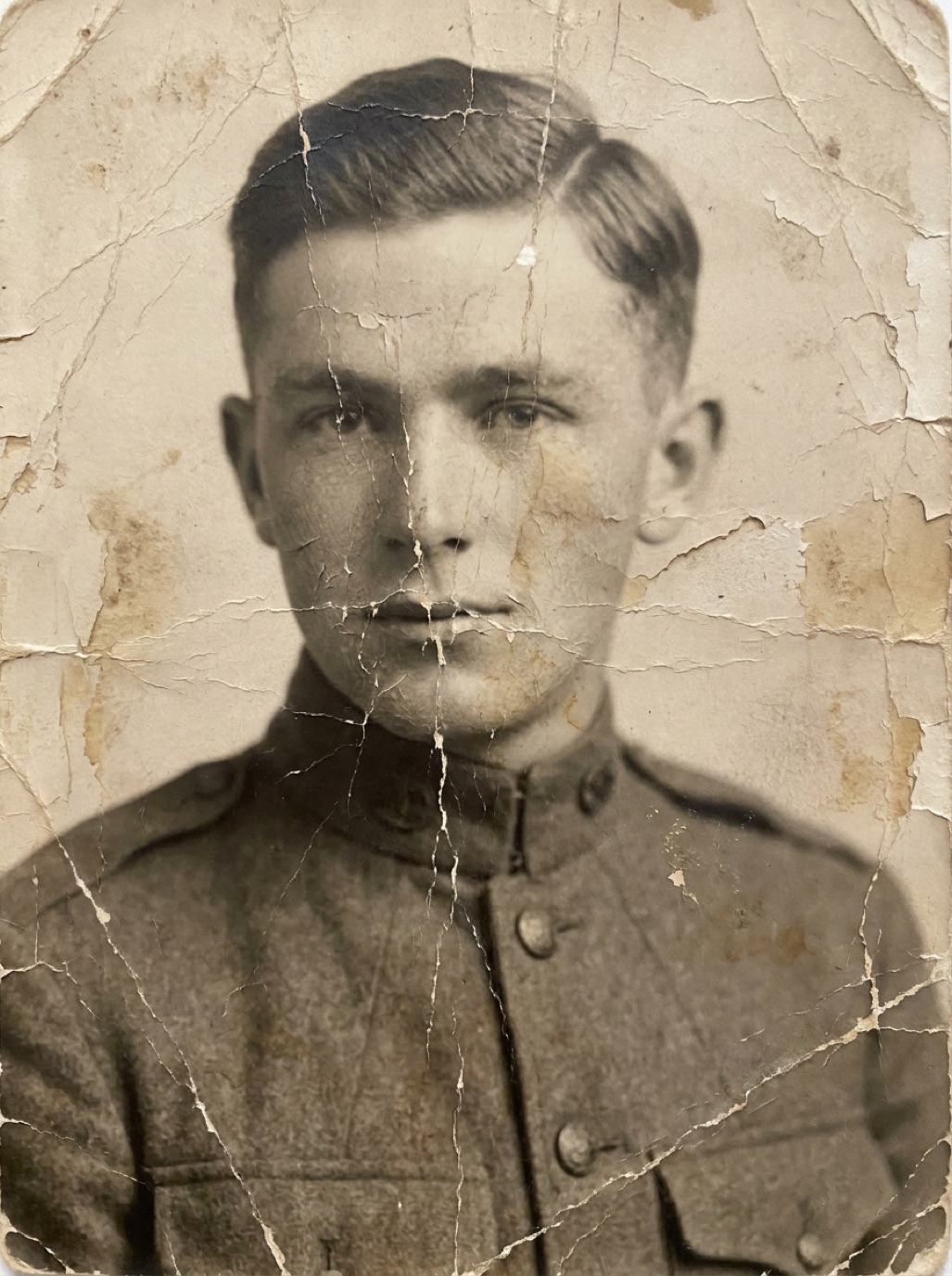

Before AI tools existed, the only way to fix a cracked or torn photograph was to hire a skilled retoucher. Professional restoration still exists, and for some photos it is still the best choice. But for most family photos, AI now delivers excellent results in seconds. Here is how to decide.
How professional restoration works
A professional retoucher scans the print at high resolution and repairs it by hand in software like Photoshop: cloning texture over scratches, rebuilding missing areas, correcting tones region by region, and sometimes hand-colorizing. Every decision is made by a person who can ask you questions, such as the color of a dress or whether a mole was real.
Strengths: judgement, historical care, handling extreme damage, communication. Trade-offs: price per photo, turnaround time, and quality that varies with the retoucher's skill.
How AI restoration works
AI models learned from millions of examples and repair the whole photo automatically: scratches, noise, fading, blur and color. Apps like Refixo do it in one tap. (Details in how AI photo restoration works.)
Strengths: speed, low cost per photo, consistency across an album, no skills needed. Trade-offs: less control, and the model can invent details when information is missing.
Side-by-side comparison
| Factor | AI restoration app | Professional retoucher |
|---|---|---|
| Time per photo | Seconds | Days to weeks, including turnaround |
| Typical cost | Subscription or trial | Per photo, more for heavy damage |
| Scratches, dust, fading | Excellent | Excellent |
| Blurry faces | Very good | Good to very good |
| Large missing areas | Limited | Better, with your input |
| Historical accuracy | Needs your review | Can be discussed and documented |
| Whole albums | Practical | Expensive |
For typical price ranges, see how much photo restoration costs.
When AI is the right choice
- Faded, yellowed or color-shifted prints.
- Scratches, dust, creases and small tears.
- Blurry or soft faces in otherwise intact photos.
- Black and white photos you'd like to see in color.
- Large collections where hiring a pro for every photo isn't realistic.
When to hire a professional
- Large missing areas: half a face, or a whole person torn away.
- High-stakes uses: a museum exhibit, a book publication, a large memorial print where every detail must be right.
- Historical documentation: where the restorer must record exactly what was changed.
- Fragile originals: daguerreotypes, tintypes and glass plates should be handled and scanned by specialists (see identifying types of old photographs).
The hybrid approach
Many people combine the two: run the whole album through an AI app, pick the few photos that matter most and are too damaged for AI, and send only those to a professional. Some professionals also use AI as a first pass, which can reduce cost.
Frequently asked questions
Is AI photo restoration as good as a professional?
For common damage like scratches, fading and blur, AI results are often comparable and far faster. For extreme damage and historically sensitive work, a skilled professional is still better.
Can a professional fix a photo after AI has worked on it?
Yes, but give them the original scan, not the AI version, so they work from the real information.
How do I find a good restoration professional?
Ask to see before-and-after examples similar to your photo, ask how they handle missing areas, and request the original scan back with the final file.
Should I tell people a photo was restored with AI?
It's good practice, especially for genealogy and historical uses. Keep the original next to the restored version.
Restore it in seconds
Bring your old photos back to life
Refixo's AI removes scratches, tears and stains, sharpens faces and colorizes black & white photos in seconds. Free to download on iPhone and iPad, with a 3-day free trial.
Download on theApp Store