
How to Save Family Photos After a Flood: A First-Aid Plan
A step-by-step plan to save family photos after a flood or leak: what to rescue first, rinsing, air-drying or freezing, then digitizing and restoring.
By Ayoub Farid · · 2 min read
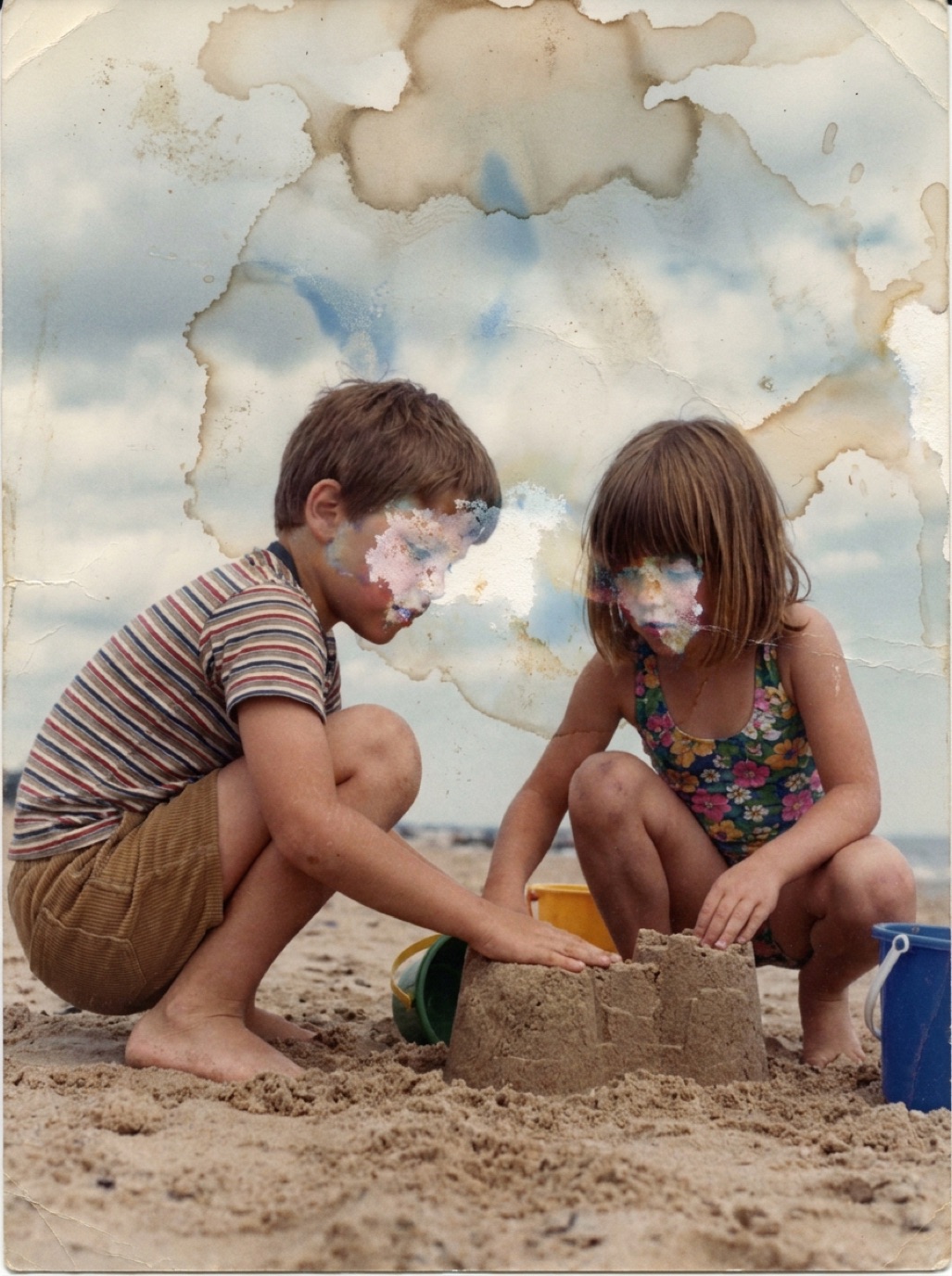

After a flood, photos are often among the first things people mourn and the last things they think they can save. With fast, calm action, many can be rescued. This is a practical first-aid plan. Your safety and your home come first; photos can usually wait a day or two if they're frozen or kept wet and cool.
Priority order
- Photos with no copies: unique prints of people who have passed away, wedding albums, baby photos.
- Photos still wet: they're salvageable if dealt with quickly.
- Negatives and slides: often more robust than prints, and they can produce new prints.
- Photos that already have digital copies: lowest priority.
The first 48 hours
- Keep wet photos wet if you can't dry them today: put them in a container of cool, clean water, or in sealed plastic bags. Mold is the enemy once they start drying slowly in warm air.
- Freeze what you can't handle within 48 hours. Interleave with wax paper and put in freezer bags. Thaw and dry them later, a few at a time.
- Remove photos from albums while wet if they come out easily. If they're stuck, cut the album pages apart and deal with them later.
Rinsing and drying
- Rinse in a tray of cool, clean water to remove mud. Change the water often.
- Don't rub the surface; gently swish.
- Lay face up on clean towels or blotting paper, or hang by a corner on a line.
- Dry indoors at room temperature with good air circulation, using fans but never heat.
- Expect curling. Flatten them later between paper under books.
Photos already stuck together need soaking (see separating photos stuck together).
Digitize everything you saved
Once dry and flat, capture every photo, even badly damaged ones (see digitizing old photos). Then restore them: in Refixo, tapping Restore removes water stains and tide marks, mud spots and fading, and reconstructs washed-out areas. Our guide to restoring water-damaged photos covers the details.
Ask other people for copies
Relatives may have prints of the same events. Post in a family group asking for photos of weddings, birthdays and holidays you lost. Scan whatever they send.
Never again: protect the rest
- Keep digital copies in two places, one off-site (see how to back up family photos).
- Store originals above floor level and away from basements.
- Use waterproof bins in risky locations.
Frequently asked questions
Can flooded photos be saved?
Many can. Keep them wet or freeze them until you can rinse and air-dry them, then digitize and restore the scans.
How long can photos stay wet?
Ideally no longer than 48 hours at room temperature. Freezing pauses damage much longer.
Can I dry photos with a hair dryer?
No. Heat damages emulsion and causes sticking and curling.
What about photos contaminated with sewage?
Wear gloves and a mask. Rinse thoroughly in clean water and dry them. For valuable photos, consult a professional disaster-recovery service.
Restore it in seconds
Bring your old photos back to life
Refixo's AI removes scratches, tears and stains, sharpens faces and colorizes black & white photos in seconds. Free to download on iPhone and iPad, with a 3-day free trial.
Download on theApp Store