
Photo Scanning Service vs DIY: Which Is Better for Your Collection?
Should you send old photos to a scanning service or scan them yourself? Compare cost, quality, time, risk and control, plus a hybrid approach that works.
By Ayoub Farid · · 2 min read
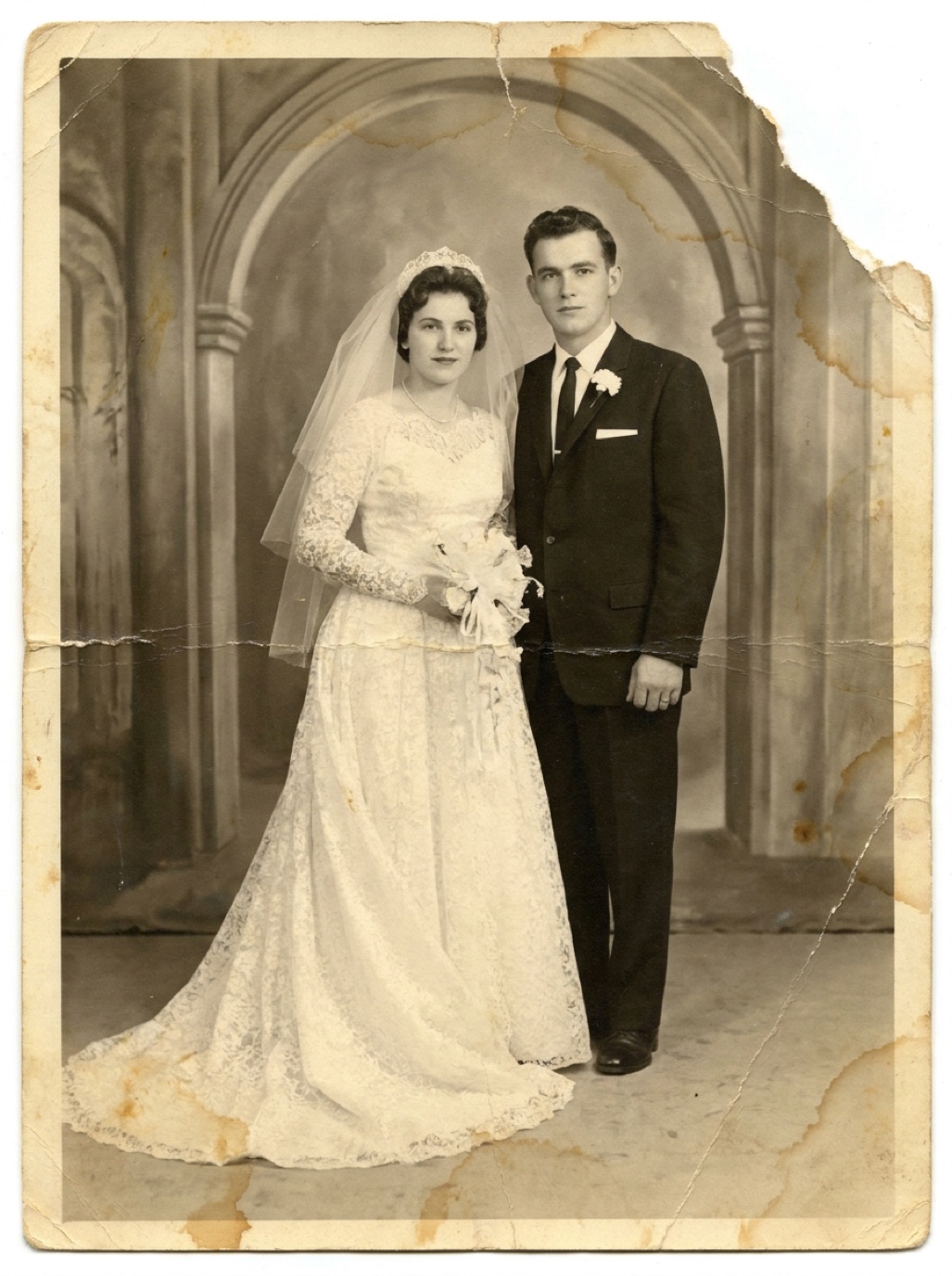
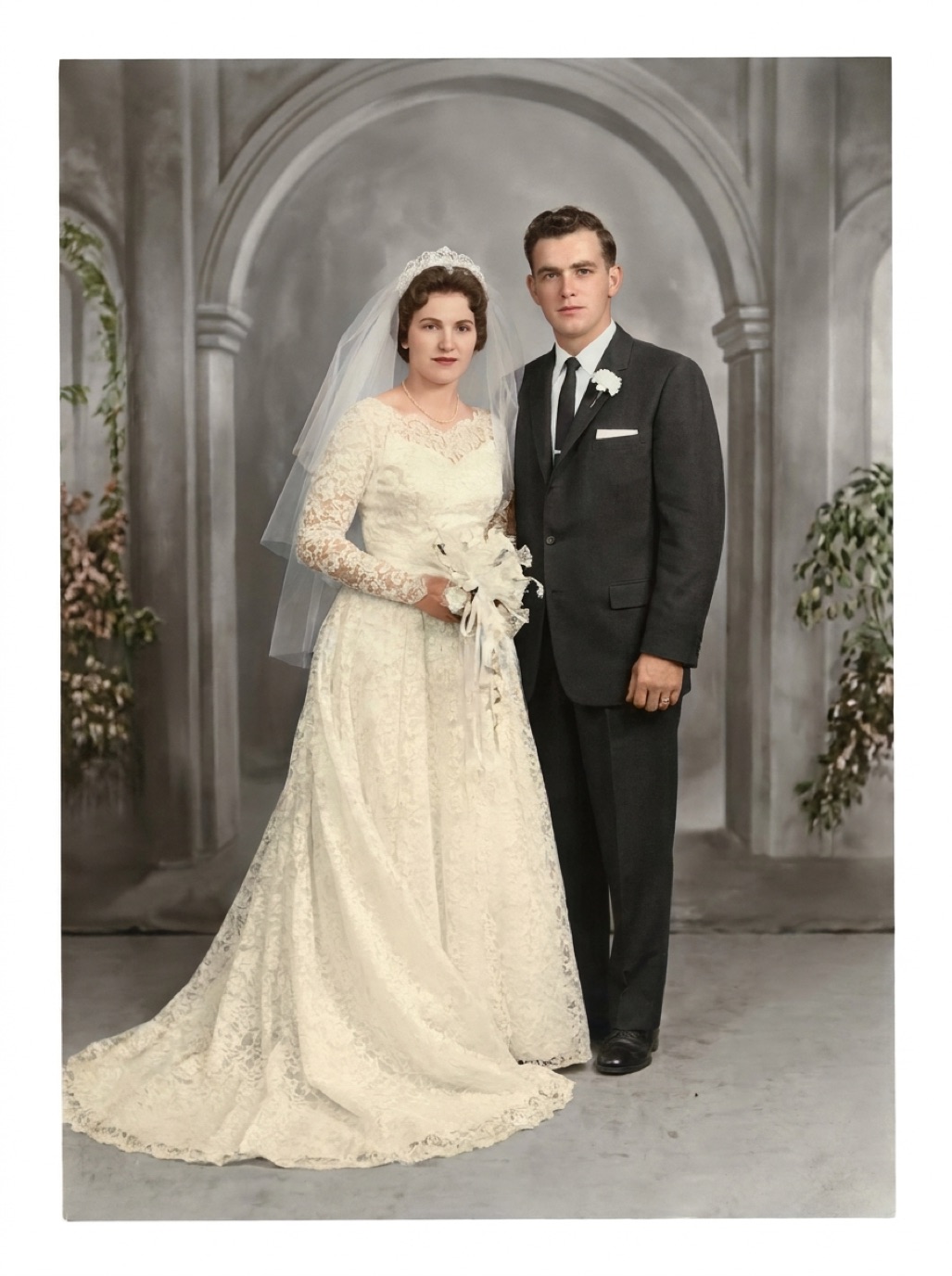
Once you decide to digitize a family collection, the next question is who does the work. Scanning services promise to turn boxes of prints into digital files with no effort from you. DIY scanning costs less but takes time. Here's how to choose.
Scanning services
How they work: you pack and ship (or drop off) your photos, slides and negatives; they scan them and return files on a drive or download link, plus the originals.
Pros:
- No time or equipment needed.
- Fast, consistent scanning with professional equipment.
- Good for slides and negatives, which are tedious at home.
Cons:
- Cost per item adds up for large collections.
- Shipping irreplaceable originals carries risk.
- Less control over what's scanned, settings and naming.
- Restoration is usually extra.
DIY scanning
Pros:
- Low cost.
- Originals never leave home.
- Full control over selection, quality and naming.
- You can involve relatives and gather stories as you go.
Cons:
- Takes time, especially for thousands of items.
- Quality depends on your setup and care.
- Slides and negatives need extra equipment.
Comparison
| Service | DIY (phone or flatbed) | |
|---|---|---|
| Cost | Per item, adds up | Low |
| Time | Little | Several evenings to weeks |
| Risk to originals | Shipping/handling | Minimal |
| Quality | Consistent, high | Good to excellent with care |
| Slides/negatives | Easy | Needs extra gear |
| Restoration | Usually extra | Do it yourself with an app |
Questions to ask a service
- Do originals stay on-site, or are they sent elsewhere for scanning?
- What dpi and file format do they use? (see best DPI for scanning photos)
- Do they scan the backs of photos with writing?
- How are files named and organized?
- Is there insurance for loss or damage?
- Do they remove photos from albums, and how?
A hybrid approach
Many families combine both:
- Send slides and negatives to a service.
- Scan prints at home with a phone or flatbed (see how to scan old photos).
- Restore the best and most damaged photos with an app like Refixo, which removes damage, sharpens faces and colorizes black and white photos.
See digitizing old photos for the overall plan and photo restoration cost for budgeting.
Frequently asked questions
Are photo scanning services worth it?
For large collections, slides and negatives, or if you have little time, yes. For a few hundred prints, DIY is often enough.
Is it safe to mail my photos to a scanning service?
Most services are reliable, but there's always some risk. Scan the most precious photos yourself first, and use tracked, insured shipping.
Do scanning services restore photos?
Some offer restoration for an extra fee. You can also restore scans yourself with an AI app.
What's the fastest DIY method?
A phone with a stand in good light, working album by album.
Restore it in seconds
Bring your old photos back to life
Refixo's AI removes scratches, tears and stains, sharpens faces and colorizes black & white photos in seconds. Free to download on iPhone and iPad, with a 3-day free trial.
Download on theApp Store