
How to Label Old Photos So Future Generations Know Who's Who
Label old photos the safe way: what information to record, pencil vs pens, labeling sleeves, digital captions and metadata, and a simple naming template.
By Ayoub Farid · · 2 min read
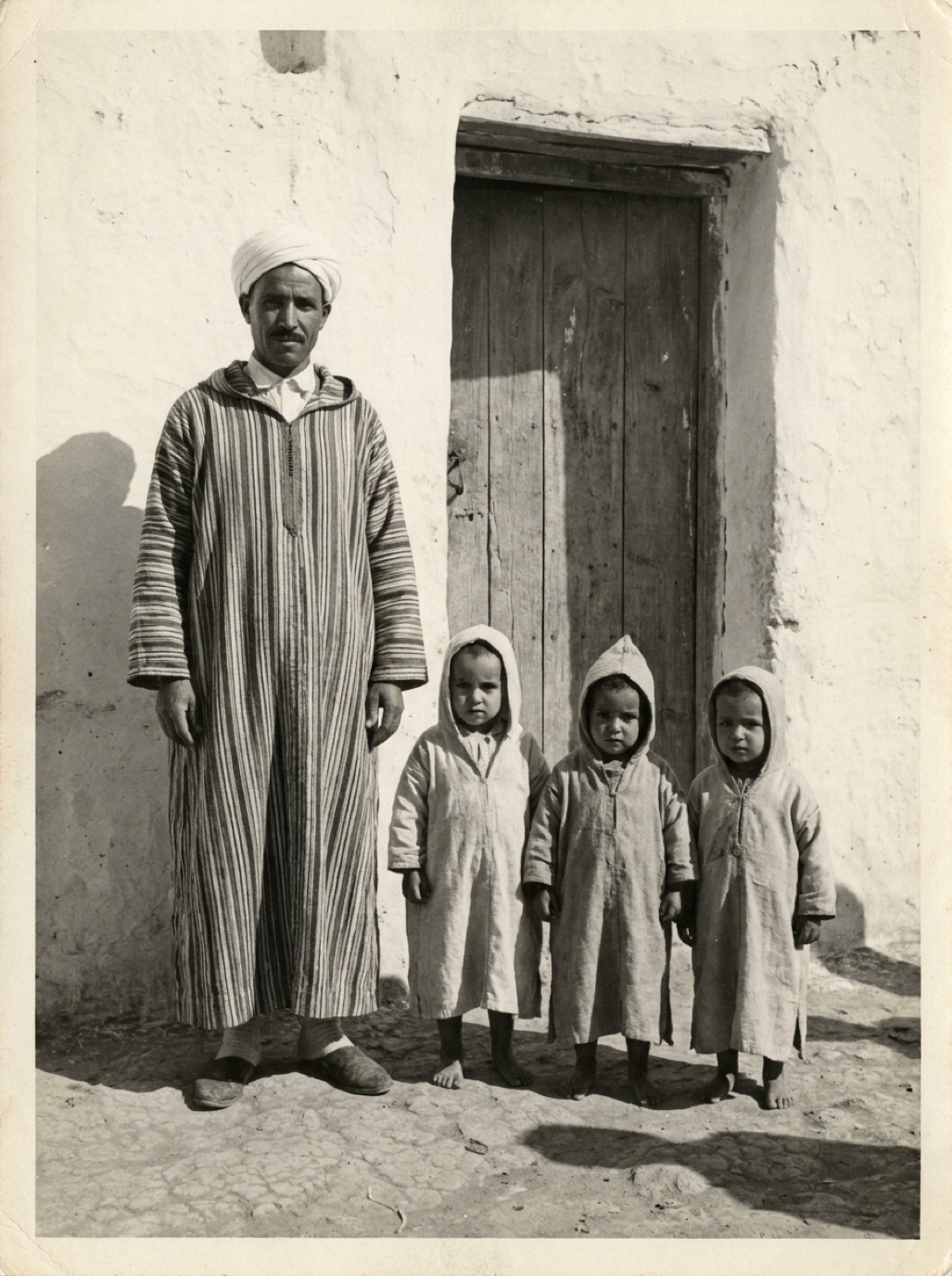

Every family has a box of photos full of strangers: people everyone once knew and nobody wrote down. Labeling is the cheapest, most valuable thing you can do for your collection. A restored photo of "unknown woman, c. 1940" is beautiful; a restored photo of "Great-aunt Zahra at her engagement, Fez, 1941" is a family treasure.
What to record
For each photo, as much as you know:
- Who: full names, left to right, and relationships ("Ahmed, my grandfather").
- When: exact date, or year, or decade with "c." (circa).
- Where: town, address, house, event venue.
- What: the occasion: wedding, school, holiday, farewell.
- Source: whose album or box it came from.
- Story: anything memorable about the day.
Labeling physical photos
- Don't write on the front.
- Use a soft graphite pencil (2B), lightly, near the edge on the back. Pens can bleed through and smear.
- On resin-coated (plastic-feeling) papers, pencil may not stick. Write on the archival sleeve or an acid-free label on the sleeve instead.
- Never use sticky labels directly on photos.
Labeling digital files
- File name: `YYYY-MM-DD_place_people_seq.jpg`, e.g. `1941-05_fez_engagement-zahra_01.jpg`.
- Caption/description: names left to right and the story. In Apple Photos, tap (i) and add a caption; in Google Photos, add a description.
- Date and location metadata: set the real date (not the scan date) and location in your photo app.
- People tagging: face recognition in photo apps helps find everyone later.
See organizing digital family photos.
Labeling restored versions
When you restore or colorize a photo, for example with Refixo, label the new file too:
- Same base name, with `_restored` or `_colorized`.
- A caption note: "Restored and colorized with AI, 2026. Original in 1_Originals."
Capture the knowledge while you can
Older relatives are your best source. Show them photos (restored versions often trigger more memories) and record names and stories. See interviewing grandparents about old photos and identifying people in old photos.
A simple caption template
[Names left to right]. [Occasion], [place], [date or c. year]. From the [family] album. [Short story or note].
Frequently asked questions
What should I use to write on the back of old photos?
A soft graphite pencil, lightly, near the edge. Avoid ballpoint pens, markers and sticky labels.
How do I label digital photos?
Use descriptive file names, captions in your photo app, and correct date and location metadata.
What if I don't know the date?
Estimate a decade or year with "c." (circa). See how to date old photos.
Should I label restored photos differently?
Yes. Note that they were restored or colorized and where the original is.
Restore it in seconds
Bring your old photos back to life
Refixo's AI removes scratches, tears and stains, sharpens faces and colorizes black & white photos in seconds. Free to download on iPhone and iPad, with a 3-day free trial.
Download on theApp Store